Navigating the modern digital classroom in 2026 feels a lot like shopping in a packed marketplace with a short budget and a long to-do list. Teachers want tools that save time. District leaders want platforms that fit the ecosystem, scale cleanly, and don’t create another layer of support tickets.
That pressure isn’t imaginary. Edtech is now a major industry, with the global education technology market estimated at USD 187.01 billion in 2025 and projected to reach USD 437.54 billion by 2033, according to Grand View Research. At the district level, tool sprawl is real too, since LearnPlatform by Instructure reported that districts accessed an average of 2,982 distinct edtech tools annually and 1,165 monthly in its latest reporting, while students and educators used far fewer tools in practice, a sign that integration matters more than availability alone, as reported in Instructure’s LearnPlatform analysis.
The list below focuses on the tools that decision-makers evaluate in 2026, not just the ones that look good in a demo. For background on how schools are thinking about communication and family engagement around digital learning, digital parent follow-up tools are a useful adjacent read.
1. Google Classroom
Google Classroom is still one of the easiest entry points for schools that need a clean assignment hub without a long onboarding cycle. It works best when your district already lives in Google Docs, Drive, Meet, and Forms, because the workflow stays familiar and teachers don’t have to jump between disconnected systems. The official Google Workspace for Education Classroom product makes that ecosystem fit obvious.
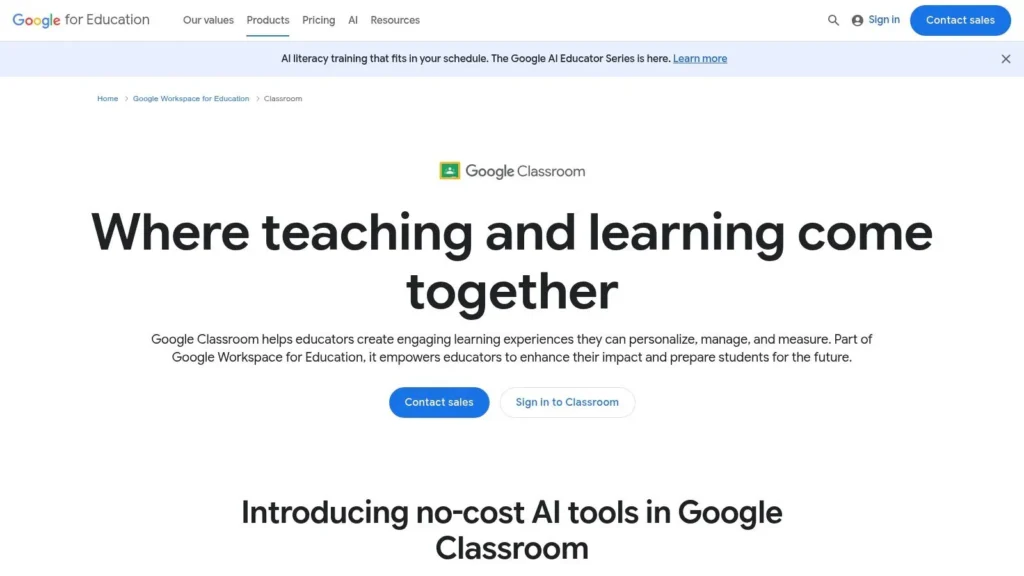
For district leaders, the biggest advantage is adoption speed. Teachers usually understand the basic pattern fast, post work, collect work, comment, return. That low barrier matters in schools where staff capacity is already stretched.
Where Google Classroom fits best
It’s strongest for straightforward assignment distribution, collaboration, and lightweight classroom management. It scales well from one teacher to a full district, especially when admin controls and domain management are already in place. The trade-off is that deeper analytics, roster automation, and some enterprise features are often tied to paid editions, so it can feel thinner if you want a heavyweight instructional system rather than a delivery layer.
Practical rule: If your district already uses Google as the default productivity stack, Classroom usually makes more sense than adding a separate LMS just to duplicate basic workflows.
The strongest implementation move is to standardize naming, folder structures, and feedback routines early. Without that, teachers end up using Classroom differently, and the platform becomes a storage bin instead of an instructional system. For a practical district lens on rollout, the MaxiJournal education technology news page can help teams stay current on the wider market.
2. Canvas LMS
Canvas is the platform schools choose when they want a true learning management system, not just a classroom inbox. It has the kind of depth that matters in higher education and in districts that care about open standards, interoperability, and long-term control. The official Canvas LMS site shows that enterprise orientation clearly.
Canvas works especially well when IT, instruction, and assessment teams need one place to organize courses, outcomes, grading, and reporting. Its LTI ecosystem and SIS integrations give institutions room to connect other systems without rebuilding everything from scratch. That flexibility is a strength, but it also means implementation takes actual governance.
What makes Canvas a strategic choice
The platform’s biggest value is that it can become the institutional backbone. Course shells, SpeedGrader, outcomes, and mobile access all support a more structured learning environment, especially when departments want consistency across many sections. It also has a mature community, which matters when local teams need a practical answer faster than a vendor ticket can deliver it.
The downside is that Canvas is not the kind of tool you casually “turn on” and forget. Public pricing is opaque, contracts are institutional, and admin configuration affects whether faculty experience the system as elegant or frustrating. If your organization doesn’t have the staffing to support platform governance, Canvas can feel heavier than Google Classroom.
A useful selection test is simple. If your priority is course architecture, analytics, and integration depth, Canvas belongs on the shortlist. If your priority is quick classroom communication with minimal overhead, it may be more system than you need.
Strong LMS adoption starts with policy, not plugins. If your course design rules are loose, the most powerful platform still gets used like a file dump.
3. Microsoft Teams for Education
Microsoft Teams for Education is the right fit for schools that already standardized on Microsoft 365. It combines meetings, chat, channels, files, assignments, and grading inside a single environment, which is a real advantage for districts that don’t want staff splitting attention across separate collaboration tools. The Microsoft Teams for Education resource shows how tightly it ties into the wider 365 stack.
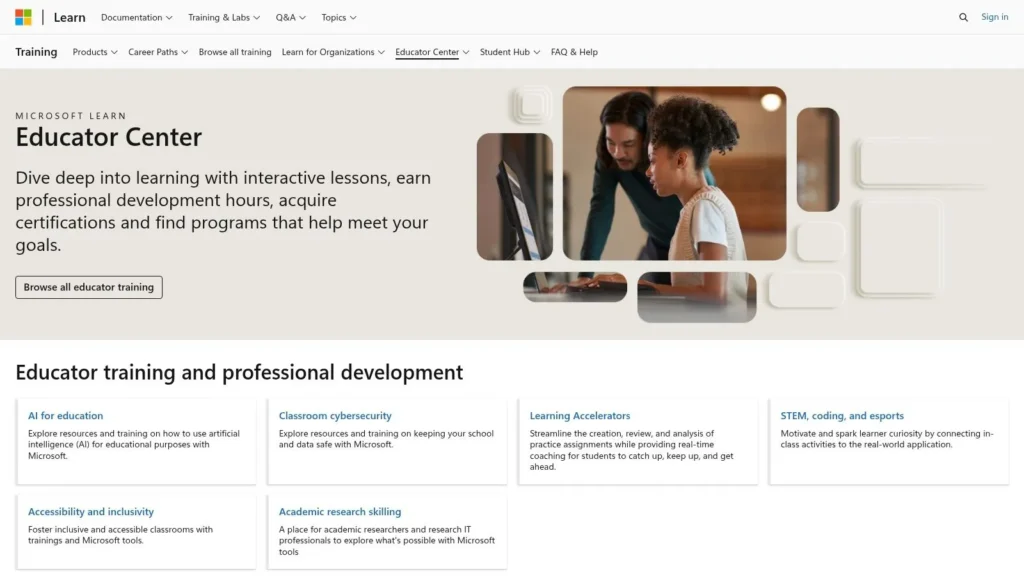
Teams is strongest when schools need both synchronous and asynchronous instruction under one roof. Teachers can meet live, push files, organize class channels, and keep threaded discussions active between sessions. That reduces friction for older students and faculty who are already comfortable with Office apps.
Why districts choose Teams
The practical appeal is licensing and governance. In many institutions, Teams is already bundled into education suites, so the core question is implementation, not purchase. If the district has School Data Sync and Microsoft 365 policy controls in place, Teams can become a dependable communication layer.
The limitation is equally clear. The best experience depends on broader Microsoft 365 adoption. If staff still store files in multiple places or haven’t been trained on permissions and channel discipline, Teams becomes noisy fast. It’s also not the easiest first platform for younger grades unless the district has strong adult support around it.
For decision-makers, the right question is whether Teams should be the main collaboration layer or just the meeting layer. That distinction matters. Used well, it keeps communication, files, and assignments aligned. Used loosely, it becomes another app that everyone opens but no one fully manages.
4. Zoom Workplace for Education
Zoom is still the simplest answer for live instruction, office hours, webinars, and hybrid teaching. The education bundle has shifted into Zoom Workplace for Education, which matters because institutions renewing old EDU licenses now have to plan migration instead of assuming the previous setup will keep working.
What makes Zoom useful is that people know how to use it quickly. That familiarity reduces support load during the first weeks of deployment, especially when faculty just need reliable video, screen sharing, and breakout-style instruction without a lot of friction. For universities and districts with mixed teaching modes, that reliability is a practical asset.
Where Zoom stands out
Zoom’s newer education bundles add governance, storage, and admin controls that make it more viable as an institution-wide tool rather than a one-off classroom app. That matters for campuses that want a standardized video layer across instruction, meetings, and events. It also helps that the platform can scale from single classes to large deployments without changing the core user experience.
The main trade-off is migration and procurement clarity. Legacy EDU licenses are no longer the safe default for renewals, so institutions need to verify what bundle they’re buying and what storage or admin features are included. Pricing usually requires a sales conversation, which slows down quick comparisons.
If live instruction is central to your model, don’t pick a video tool only for familiarity. Pick the one your admins can govern without constant exceptions.
Zoom works best when paired with a clear policy on recording, storage, and synchronous attendance. Without that, faculty may use it differently across departments, and students end up guessing which meeting habits count.
5. Nearpod
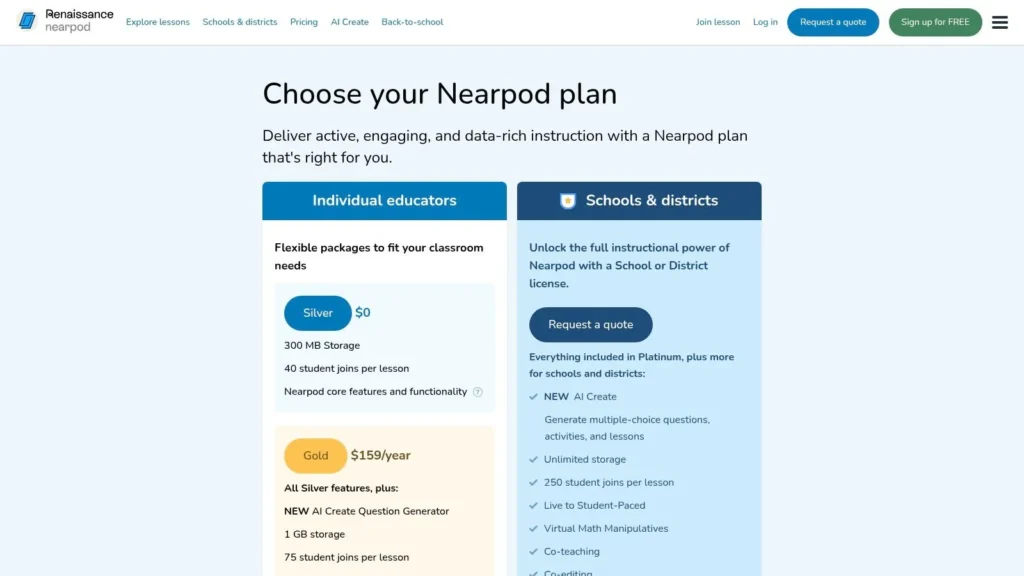
Nearpod is one of the most practical tools for teachers who want students actively responding during a lesson instead of passively watching slides. It combines interactive activities, formative checks, and content delivery in a way that works in live or student-paced settings. The Nearpod pricing page gives a good sense of how the platform is packaged for classroom and district use.
The strength of Nearpod is that it lowers the design burden for teachers. You can use built-in lesson assets, add interactive checks, and push activities without rebuilding everything from scratch. That makes it a strong fit for schools trying to raise engagement without asking every teacher to become an instructional designer.
Why Nearpod works in classrooms
Nearpod is especially effective for formative assessment because it lets teachers see understanding during the lesson, not just after the fact. The Google Slides add-on and LMS integrations also make it easier to fit into existing workflows rather than forcing a separate planning process. For district administrators, reporting and rostering features become more valuable as adoption grows.
The downside is typical of freemium classroom platforms. Free or individual plans usually have tighter limits, while the deeper analytics and district controls sit behind school or district licensing. That means a small pilot can look great, but the key question is whether the institution is ready to standardize it.
Nearpod is not the best choice if your teachers mainly want simple video hosting or a pure quiz tool. It shines when you care about interaction, pacing, and feedback loops. In a blended classroom, that combination is hard to beat.
6. Kahoot! for Schools
Kahoot! remains one of the fastest ways to turn retrieval practice into something students lean into. The school plans at the Kahoot! for Schools pricing page make clear that the platform now serves both individual classrooms and larger site-license environments.
The advantage is energy. Teachers use Kahoot! when they need fast checks, review sessions, or team competition that gets students participating without much setup. That makes it an easy win for staff who need an engagement tool they can learn in one sitting.
Why districts keep it around
Kahoot! is useful because it scales from quick teacher use to schoolwide licensing. The community-created content library also saves prep time, especially for review-heavy subjects. AI-assisted question creation and PDF-to-game workflows add convenience, but they don’t replace good teacher judgment.
The challenge is fragmentation. Plan names, participant caps, and functionality vary enough that buyers need to read carefully before standardizing. Free use is also tighter, so schools that depend on the tool at scale should expect to move into paid licensing.
Kahoot! is best for retrieval practice, quick formative checks, and motivation. It’s not a full lesson system and it shouldn’t be treated like one. If leaders deploy it as a targeted engagement layer, it earns its place. If they expect it to handle course management, they’ll be disappointed.
A good game-based tool should make thinking visible, not just make noise louder.
7. Quizlet
Quizlet is still one of the most recognizable study platforms because students already know how to use it. Flashcards, Learn, Test, and class assignment tools make it useful for individual practice and teacher-guided review. The Quizlet for Teachers page shows how the platform now reaches both classroom and self-study use cases.
Its biggest strength is content breadth. The repository of user-generated study sets means teachers often find a starting point quickly, then adapt it instead of building every activity from scratch. That makes Quizlet attractive in schools where teachers need something practical, mobile-friendly, and fast to launch.
Where Quizlet fits in a district stack
Quizlet works best as a study and review layer rather than a core instructional system. It’s particularly helpful for homework, vocabulary, and repeated practice. The mobile and web experience keeps it accessible across devices, which matters in mixed-access environments.
The trade-off is feature gating. Some of the more advanced modes and AI-assisted tools sit behind paid offerings, and promotional teacher offers can be time-bound. District leaders should treat those offers as temporary incentives, not procurement strategy.
If you want a platform that supports independent practice and quick class assignments, Quizlet is dependable. If you need deep analytics, formal rostering, or tightly controlled district data flows, it won’t carry the full load on its own. For extra support around student productivity habits, this student productivity guide can help teachers connect study tools to daily routines.
8. Seesaw
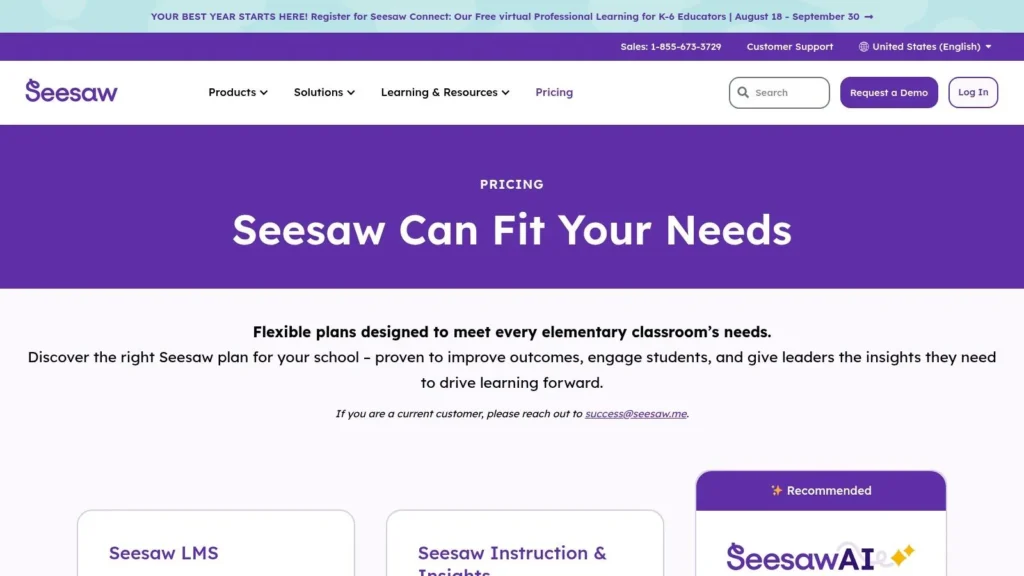
Seesaw is built for primary grades, and that focus shows in the way it handles student creation, portfolios, and family communication. Younger learners can record audio, draw, type, and upload video without needing a complicated tutorial. The Seesaw pricing packages page makes its school and district orientation clear.
Seesaw’s real power is evidence collection. Instead of relying only on worksheets or score reports, teachers can capture multimodal student work that shows thinking in a more complete way. That is especially useful in K through 6, where verbal explanation, drawing, and simple video often reveal more than a multiple-choice score.
Why primary teams standardize on Seesaw
Family engagement is a major reason schools adopt it. Notifications, sharing, and easy documentation help families stay connected to classroom activity without asking them to master a complex system. District-level controls and analytics add value for leaders who need a view beyond the individual classroom.
The trade-off is licensing. Seesaw’s paid model is school or district focused, not designed around casual teacher-only purchasing. The free Starter tier is also tighter now, so districts should evaluate whether they want broad adoption or just a limited pilot.
Seesaw is one of the clearest examples of a tool that fits a specific age band extremely well. It’s not the universal platform for all grades, and it doesn’t need to be. In primary settings, that specialization is exactly why it works.
9. Khan Academy
Khan Academy remains one of the strongest free resources in the edtech space because it combines instruction, practice, and mastery tracking without asking schools to buy in upfront. The teacher-facing experience at the Khan Academy for Educators page makes that classroom orientation obvious.
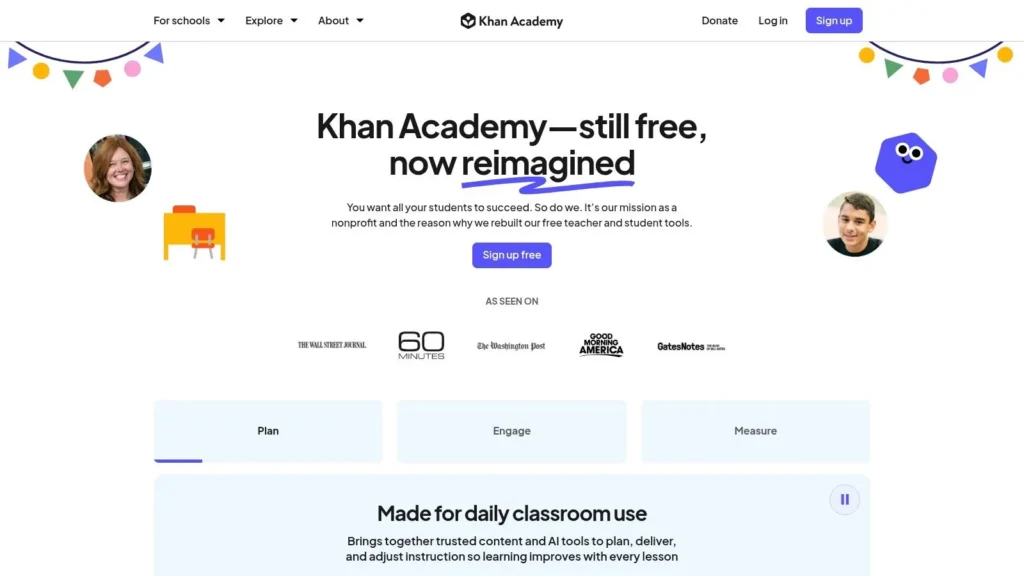
Its core value is accessibility. Teachers can assign practice, monitor progress, and support mastery learning without committing to a large license purchase. That makes it especially useful in schools that need a dependable supplemental layer for math and science.
What Khan Academy does well
The platform is strongest where structured practice matters. Teacher dashboards help with pacing and progress, and the district offering can add rostering and data integration when institutions are ready for deeper deployment. Evolving AI supports also make it worth watching, especially for schools that want classroom-facing help without building their own tools.
The limitation is subject coverage. Khan Academy is most mature in math and science, while other content areas vary in depth. District-level data integration and some AI features also sit behind paid partnerships, so the “free” label should be read carefully in larger implementations.
For leaders, the best use case is as a high-quality supplemental platform with clear instructional targets. It’s not a replacement for every curricular need, but it gives schools a strong, low-friction option for reinforcement and independent practice. For teams looking at test prep strategy alongside digital practice, this test preparation guide is a useful companion.
10. Edpuzzle
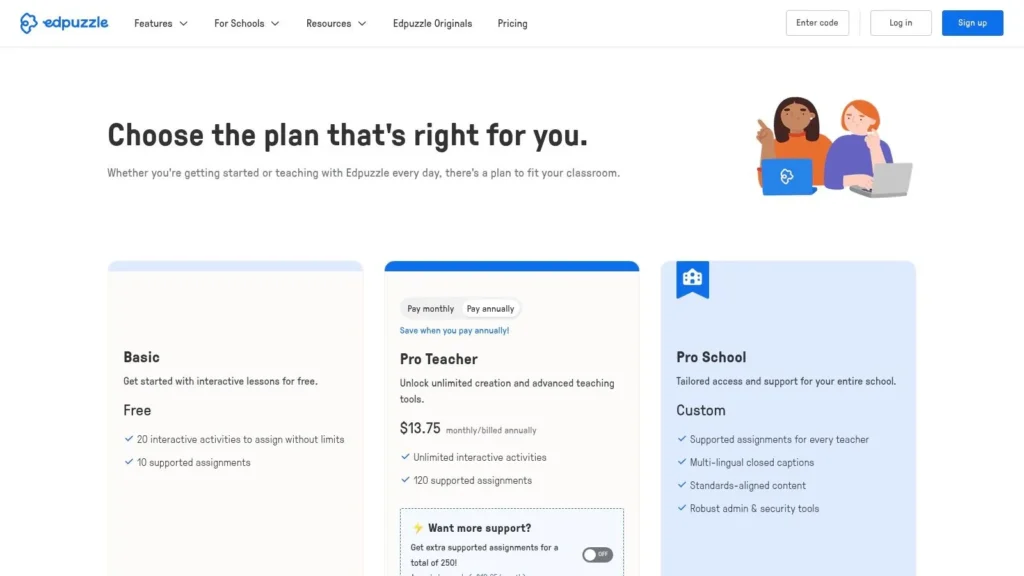
Edpuzzle is a strong choice when video is part of the lesson, but passive viewing isn’t enough. Teachers can add questions and notes to video, auto-grade responses, and track who watched what. The Edpuzzle pricing page shows how the platform differentiates individual use from school and district deployments.
That structure makes Edpuzzle especially useful in flipped and blended classrooms. Teachers can assign a video before class, then use the response data to decide what needs reteaching. It also works in professional development, where leaders want proof that staff engaged with the content.
Why instructional teams use Edpuzzle
Edpuzzle gives administrators a simple accountability layer around video-based learning. Its reporting is straightforward, the content library is searchable, and district plans add curation and support features that matter when adoption spreads. That makes it easier to standardize than a loose collection of untracked videos.
The trade-off is that the strongest deployment features are not in the lightest-tier plans. Schools that want compliance, rostering, and curated content packs need the higher tier, and individual storage can feel restrictive. In other words, it’s easy to try, but district-grade use requires the right license.
Edpuzzle works best when video is part of an instructional sequence, not the whole sequence. If teachers use it to check comprehension, pause thinking, and surface misconceptions, it becomes much more than a video player.
Top 10 EdTech Tools: Feature Comparison
| Product | Core features | Target audience | Key benefits | Pricing / Licensing |
|---|---|---|---|---|
| Google Classroom (Google Workspace for Education) | Assignment workflows, grading/rubrics, originality reports, Docs/Drive/Meet integration, admin controls, optional AI add‑on | K–12 and higher‑ed; single teachers to districts | Familiar UX, real‑time collaboration, scalable district deployments | Core free with Workspace tiers; advanced analytics/roster sync and AI add‑ons often require paid editions |
| Canvas LMS (Instructure) | Course authoring, SpeedGrader, outcomes & analytics, LTI & SIS integrations, mobile/accessibility | Higher education and K–12 districts, institutional deployments | Enterprise‑grade, mature integrations, extensible community ecosystem | Institution‑level contracts; public pricing opaque |
| Microsoft Teams for Education (Microsoft 365 A1/A3/A5) | Class Teams (assignments/grading), meetings/chat/channels, OneDrive/Office integration, School Data Sync | Schools standardized on Microsoft 365 (K–12 & higher ed) | Strong synchronous/asynchronous collaboration; integrated with Office apps | Included in Microsoft 365 EDU licenses (A1/A3/A5); best with broader MS365 adoption and admin setup |
| Zoom Workplace for Education | Meetings, Team Chat, Whiteboard, Docs, AI Companion, EDU admin controls & storage bundles | Live instruction, hybrid learning, webinars for schools and campuses | Reliable video, classroom‑oriented features, scalable governance and storage | New Workplace for Education bundles (legacy EDU EOL); pricing via Zoom sales |
| Nearpod (Renaissance) | 20+ interactive activities, standards‑aligned lesson library, Google Slides add‑on, LMS rostering, AI Create | K–12 teachers and districts for student engagement | Easy adoption for formative checks, flexible live or student‑paced delivery | Freemium; storage/participant limits on free tiers; full analytics/rostering require school/district plans |
| Kahoot! for Schools | Live game mode, student‑paced practice, AI question/PDF conversion, team modes, EDU site licenses | K–12 teachers and districts, classroom review & practice | Highly engaging retrieval practice, large community content, scalable site licenses | Tiered plans with participant caps; free plan limited |
| Quizlet (including Quizlet for Teachers) | Flashcards, Learn/Test modes, class assignments, progress tracking, AI features in Plus | Students and teachers K–12 and beyond, self‑study & classroom use | Huge repository of user content, quick onboarding, strong mobile apps | Core free; Plus subscription unlocks AI/advanced features; teacher promos time‑bound |
| Seesaw | Student portfolios, multimodal creation (audio/drawing/video), activities library, family communication, admin analytics | K–6 primary classrooms and districts | Intuitive for young learners, strong family engagement, multimodal evidence collection | School/district licensing only for paid tiers; free Starter tier reduced |
| Khan Academy (incl. Khan Academy for Educators/Districts) | Free practice & mastery resources, teacher dashboards, Khanmigo AI, district rostering options | K–12 teachers, students, districts seeking free standards‑aligned content | Core platform free, strong math/science content, classroom‑ready AI supports | Core free; district partnerships/roster integrations and some AI features may be paid |
| Edpuzzle | Video assignments with embedded questions, auto‑grading, searchable video library, reporting, PD resources | Secondary classrooms, blended/flipped learning, professional development | Ideal for flipped/blended workflows, straightforward engagement analytics | Freemium; individual Pro limits on storage/features; full compliance/curated content require school/district tier |
Making the Right Choice for Your Learners
The best education technology tool is ultimately the one that fits your instructional goal and your existing ecosystem. A district can buy the most feature-rich platform on the market and still fail if teachers don’t use it consistently, if rostering is messy, or if support staff can’t keep up. That’s why the strongest decisions usually start with a simple question, what problem are we solving, and who has to live with the tool every day?
Implementation matters more than feature lists. A learning management system like Canvas can be the right answer when you need governance, interoperability, and deeper course design. A classroom hub like Google Classroom or Microsoft Teams can be the better answer when adoption speed and daily usability matter more than enterprise depth. Interactive tools like Nearpod, Kahoot!, Quizlet, and Edpuzzle work best when they’re tied to a clear instructional routine, not treated as novelty apps.
The other choice is audience fit. Seesaw is built for younger learners and family connection. Khan Academy is a strong supplemental layer for practice and mastery. Zoom makes sense when synchronous instruction is central, while Google Classroom and Teams make more sense when collaboration and assignment flow are the core bottlenecks. District leaders should think in systems, not isolated apps, because tool sprawl only gets harder to manage once usage spreads.
The market data points in the same direction. Education technology is growing fast, but growth alone doesn’t solve the daily realities of interoperability, support, and instructional alignment. Schools that choose tools based on workflow, evidence, and ecosystem fit usually get more value from fewer platforms.
If you’re comparing education technology tools for your school, district, or program, keep using resources that cut through the noise and focus on implementation. At maxijournal.com, you’ll find practical writing on education, technology, and other everyday topics that help you make smarter decisions without the vendor jargon. Visit the site for more clear, useful coverage you can apply.
Discover more from Maxi Journal
Subscribe to get the latest posts sent to your email.