Which language app is right for you if the bigger mistake is building the wrong study setup?
A single ranked list rarely helps for long. Someone who needs speaking practice during a commute has different needs from a learner who wants clear grammar explanations, and both need a different toolkit than someone focused on reading, podcasts, and native content. Good apps solve specific problems. Bad results usually come from poor matching, not from choosing an app with a weak brand.
This guide sorts language apps by learning goal, then shows how to combine them into a study plan that fits real life. Some apps are best for daily repetition. Some push output and conversation. Some become useful later, once you know enough to learn from articles, transcripts, and audio made for native speakers.
That distinction matters. A streak app can keep beginners consistent, but it will not do much for spontaneous speaking. A conversation app gives you live practice, but feedback quality can vary. Immersion tools build comprehension, but they can frustrate learners who still need basic structure.
Use the list to assemble a personal toolkit instead of chasing a winner. Start with the bottleneck that is slowing you down. If that bottleneck is consistency, choose a habit-building app. If it is speaking, use tools that force output. If it is comprehension, build around reading and listening. For a broader routine outside app study, pair these recommendations with a practical framework for how to learn a new language.
1. Duolingo
Need an app that gets you to study even on low-energy days? Duolingo remains one of the best starting points for that job.
Its advantage is behavioral, not academic. The app reduces friction: short lessons, a clear path, instant feedback, and enough reminders and rewards to keep beginners from drifting. For someone who keeps restarting a language and never makes it past week two, that matters more than having the most detailed grammar syllabus.
Duolingo works best as the habit layer in a broader toolkit. Use it for daily exposure, basic vocabulary review, and keeping your target language in front of you every day. Then add a second app based on your actual bottleneck. If speaking is weak, pair it with Tandem or HelloTalk later in this guide. If grammar is the issue, Babbel or Busuu usually does a better job of explaining patterns.
Where Duolingo works best
I recommend Duolingo most often to true beginners, casual learners, and anyone trying to rebuild consistency after falling off. It is also useful during busy periods because five to ten minutes still feels productive.
- Best for habit building: Streaks, reminders, and short lessons make it easier to avoid zero-study days.
- Best for testing a language cheaply: You can get enough early exposure to see whether you want to commit.
- Less ideal for output-heavy goals: Speaking confidence, open-ended writing, and detailed grammar usually need another tool.
A simple workflow works well here: use Duolingo in the morning for one lesson, review mistakes at lunch, and spend a few minutes in the evening listening or reading outside the app. If consistency is your real problem, build that routine around a few study habits that are realistic enough to keep.
The free tier is good enough to start. The paid version removes friction and makes review easier, but it does not change the core trade-off. Duolingo is strong at repetition and weak at pushing spontaneous language use.
Use it to build momentum, then let another app handle the skill Duolingo leaves undertrained.
Learn more at Duolingo.
2. Babbel
Want a language app that explains what you are saying, instead of asking you to guess your way through it? Babbel is one of the better picks for that job. It is built more like a guided course than a daily game, which makes it useful for learners who want clear progression, practical dialogues, and enough grammar to stop repeating mistakes.
Babbel fits a specific goal well. Use it when your main problem is structure. If you already know you will study more consistently with short lessons that build on each other, Babbel can serve as the backbone of your toolkit.
Where Babbel works best
Babbel is a strong choice for adult beginners and lower-intermediate learners who want useful phrases early but still need the rules explained plainly. The lessons usually give context, then show the pattern, then ask you to use it. That sequence works well for travelers preparing for common situations, professionals brushing up for work conversations, and returning learners who want a cleaner re-entry point than more game-driven apps provide.
Its biggest advantage is clarity. Babbel often answers the question many apps skip: why this word order, why this verb form, why this phrase instead of the literal translation?
- Best for grammar with context: Explanations are usually short, practical, and tied to dialogue.
- Best for a core study path: Courses feel cumulative, so it is easier to notice what you have covered and what still needs review.
- Less ideal for spontaneous output: You will still need another tool for live conversation, messy real-world listening, or open-ended writing.
The trade-off is straightforward. Babbel gives you a solid lane to follow, but tightly designed lessons can only take speaking confidence so far. If your goal is conversation, use Babbel for 15 to 20 minutes a day, then add a speaking or exchange app later in the week. If your goal is listening, pair it with podcasts for language learning that match your level so the grammar and vocabulary start showing up in real speech.
Babbel also makes more sense as part of a combination than as your only app. A practical setup looks like this: Babbel for your main lesson track, a flashcard or review tool for weak vocabulary, and a conversation app once you can produce basic sentences without freezing. Also worth knowing, Babbel Live individual classes were discontinued on July 1, 2025, so do not choose it expecting that format.
Visit Babbel.
3. Rosetta Stone
Rosetta Stone is the old immersion specialist. It still appeals to learners who want to think in the target language early and don’t want every sentence filtered through translation. If explicit grammar talk bores you, that can be a feature rather than a flaw.
The app’s identity hasn’t changed much. You get image-based prompts, listening practice, pronunciation work, and a method that tries to build intuition through exposure. TruAccent is the standout feature for learners who want pronunciation feedback without booking live sessions.
Who should pick it
Rosetta Stone makes the most sense for learners who value listening, pronunciation, and pattern recognition more than textbook-style explanation. It’s also a reasonable household purchase if multiple people want access to different languages and the lifetime all-language option appeals.
Where it struggles is transparency. Some learners need rules stated plainly. Rosetta Stone often makes you infer them, which can feel elegant or frustrating depending on your brain.
Rosetta Stone is good when you want immersion with guardrails, not when you want grammar unpacked line by line.
It’s especially useful when paired with additional listening outside the app. If you want to reinforce that side of your study, add native or learner-friendly audio from these best podcasts for learning.
- Best for pronunciation-first learners: Speech practice is more central here than in many app competitors.
- Best for low-translation study: The method pushes direct association.
- Less ideal for grammar analyzers: If you need explicit explanations, you’ll likely feel under-supported.
Rosetta Stone remains a respectable tool, just not a universal one. Go to Rosetta Stone.
4. Busuu
Busuu sits in one of the most practical middle lanes in this category. It combines structured lessons with community correction, so you get both sequence and feedback. That combo is useful because many apps give you one or the other, but not both.
The biggest advantage is social reinforcement that doesn’t require the chaos of a full exchange app. You can submit writing or speaking tasks and get corrections from native speakers, which gives your study some real-world texture without turning every session into partner hunting.
Why Busuu often fits adult learners
Busuu is good for people who want a guided curriculum but know they need a little accountability from human eyes. The built-in grammar and review tools cover the usual structured-app needs, while community responses expose you to phrasing choices and errors that a closed system can miss.
Its weak spot is catalog breadth. If you’re studying a major language, Busuu is often a strong candidate. If you’re chasing something less common, availability can become the deciding factor before quality does.
A solid workflow looks like this:
- Core lessons in Busuu: Use the main course to organize your week.
- Correction tasks twice weekly: Submit short writing or speaking pieces instead of waiting until you’re “ready.”
- Extra listening elsewhere: Add native audio or video if comprehension is your bottleneck.
Premium Plus adds AI-assisted pronunciation and conversation support, which helps fill some of the output gap. Even so, Busuu works best when you treat it as a balanced core, not a complete ecosystem.
Use Busuu if you want structure with a live feedback layer, but don’t want the unpredictability of open-ended exchange apps.
5. Memrise
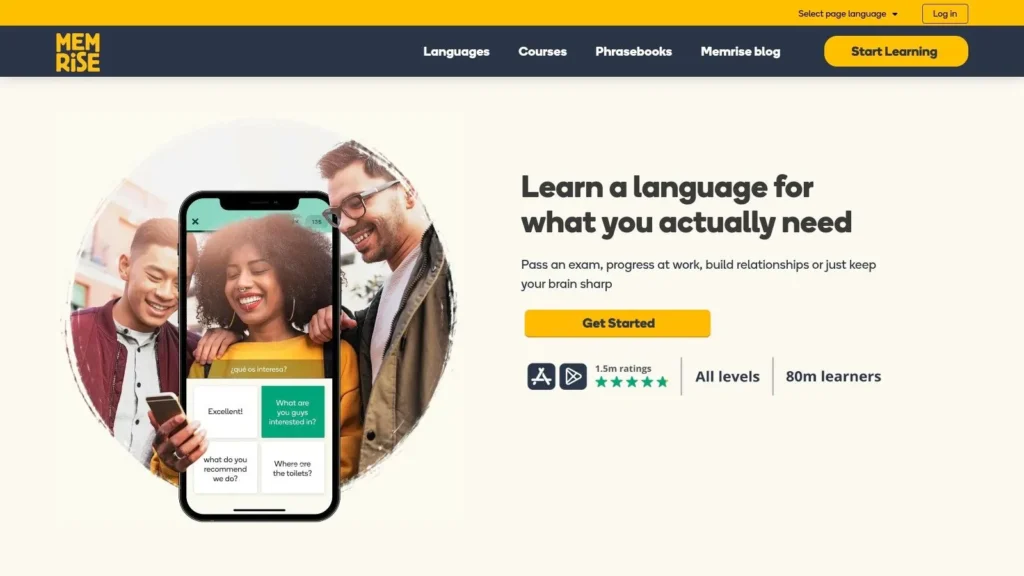
Memrise is one of the better answers to a common beginner problem. You can finish lots of exercises and still freeze when an actual person speaks. Its use of native-speaker video and scenario-based lessons helps close that gap earlier than many traditional app formats do.
This isn’t the app I’d choose for grammar depth. It is the app I’d choose for practical phrase pickup, listening exposure, and reducing the shock of hearing natural pronunciation from real faces instead of polished synthetic voices.
Best role in a toolkit
Memrise is strongest as a speaking-and-listening supplement. It works especially well for travel prep, survival conversation, and confidence building in the beginner stage. The conversational AI features add flexibility, but the deeper value is still the native video exposure.
For learners who hate abstract drills, that matters. You start associating language with real use, not just app mechanics.
- Best for phrase acquisition: Good when you need useful sentences quickly.
- Best for listening realism: Native-speaker clips make the language feel less staged.
- Less ideal as a standalone system: You may still need grammar support elsewhere.
Memrise also fits a “light but daily” workflow. Ten focused minutes on practical phrases can do more for speaking readiness than another block of passive review in a purely gamified app.
If you’re building the best apps for language learning stack around real-world communication, Memrise earns its place as a strong supplement. Explore Memrise.
6. Pimsleur

Need a language app that works when your hands and eyes are busy? Pimsleur is one of the few options built for that situation. It fits commutes, walks, chores, and any part of the day when a lesson has to happen through audio, not a screen.
Its method is simple and demanding. You listen, respond out loud, and retrieve words before the app gives you the answer. That matters because recognition is the weak point of many beginner apps. Learners can tap through multiple-choice exercises for weeks and still struggle to produce a sentence under pressure.
Pimsleur trains spoken recall early. It is especially useful for learners whose main goal is conversation, travel, or getting comfortable hearing and answering at a natural pace. The trade-off is clear. You get strong speaking reps and a routine that is easy to maintain, but you do not get much grammar explanation or writing practice.
I recommend it most often as the speaking layer in a broader toolkit.
- Best for busy schedules: Audio lessons work well during commutes and errands.
- Best for speaking reflexes: The prompt-and-response format forces active recall from the first session.
- Less ideal for literacy-heavy goals: Reading, spelling, and detailed grammar need support from another app.
A practical workflow looks like this: use Pimsleur for one audio lesson per day, then pair it with a second app for reading or grammar review later in the evening. That combination works better than expecting one tool to cover every skill equally well.
Use Pimsleur if your study plan needs more speaking practice and less screen dependence.
7. Tandem
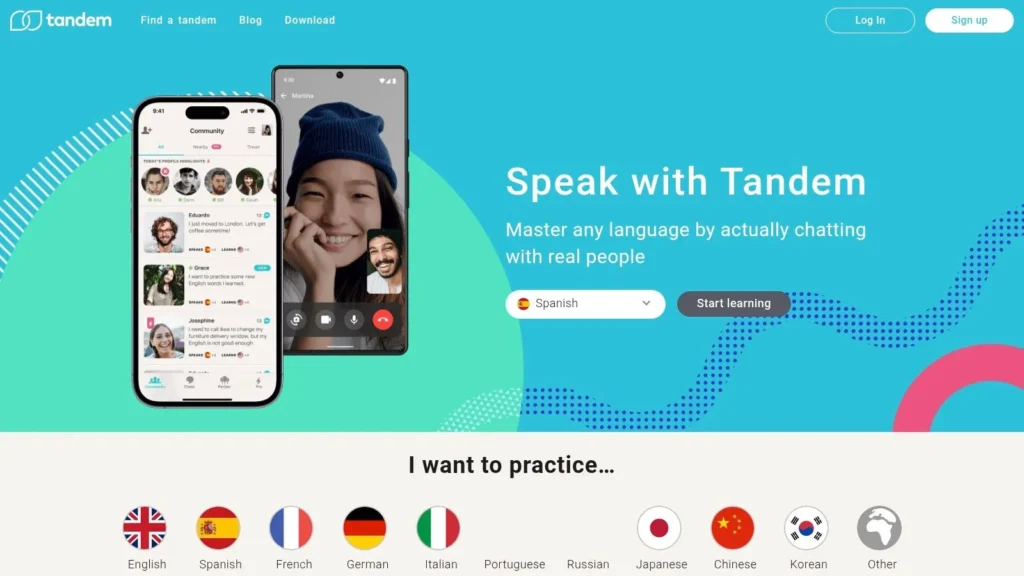
Tandem is where you go when you need real humans, not another safe exercise set. Text, voice, and video chat with native speakers changes the pressure profile immediately. You stop proving that you can pass a lesson and start finding out whether you can communicate.
That shift is uncomfortable for beginners, but valuable. Tandem is one of the fastest ways to expose weak vocabulary, awkward phrasing, and listening gaps that a closed curriculum can hide.
The real trade-off
The upside is authenticity. The downside is variability. Some partners are excellent. Some vanish after two messages. Some want a balanced exchange. Some mostly want to practice their English.
That means Tandem is best used with clear boundaries and a strong main resource elsewhere.
- Best for conversation reps: Nothing replaces actual back-and-forth.
- Best for noticing your weak spots: Real chats reveal what drills conceal.
- Less ideal as your only tool: You still need structure, review, and input.
A practical way to use Tandem is to build around themes. Study food, work, travel, or family vocabulary in your main app, then schedule one exchange where you use that material in live conversation. The app’s correction and translation tools help, but they don’t remove the need for patience.
Use Tandem if you’re ready for language that doesn’t wait politely for you to think.
8. HelloTalk
HelloTalk plays in the same broad category as Tandem, but it often feels more like a social network built around language exchange. That can be good or bad depending on what motivates you. If you like community energy, public posts, and multiple paths to interaction, HelloTalk can feel less intimidating than jumping straight into one-on-one exchange.
The in-chat tools are the practical hook. Translation, pronunciation support, and corrections lower the barrier enough that beginners can participate sooner than they expect.
When HelloTalk works better than Tandem
Choose HelloTalk if you want more discovery and less pressure to immediately build a long-term partner relationship. The global user base makes it easier to test conversations, browse posts, and join voice spaces without turning every interaction into a formal exchange agreement.
That said, the same abundance creates noise. You still need to filter for seriousness.
Short, frequent exchanges usually beat long, rare exchanges that never happen.
One overlooked use case is teacher and classroom support for multilingual families. In education settings, language tools that support communication across languages matter, and family-inclusive apps are often absent from mainstream rankings. A useful contrast comes from this piece on ELL-focused classroom apps such as Seesaw and My Story Book Creator, which highlights needs consumer app lists often ignore.
- Best for social learners: It gives you more ways to engage than simple partner matching.
- Best for low-stakes practice: Public and semi-public interaction can reduce pressure.
- Less ideal for tightly structured learners: The app won’t organize your study for you.
See HelloTalk if your main problem is lack of real contact with the language.
9. LingQ
Want an app that helps you spend more time with real language instead of another sequence of scripted lessons? LingQ fits that job better than almost anything else on this list.
Its strength is input. You can import YouTube transcripts, podcasts, articles, and ebooks, then mark unknown words as you read or listen. That makes LingQ less of a course app and more of an immersion workspace you shape around your own interests.
Best for input-heavy study
LingQ works best once you already know the basics and can keep going without understanding every line. Beginners can use it, but the learning curve is steeper than with Babbel or Busuu, and the interface makes more sense after you already have some footing in the language.
That trade-off is real. In exchange for less guidance, you get far more control over what you study and how long you stay with it. If your motivation drops when app content feels childish, repetitive, or disconnected from your life, LingQ often solves that problem.
This is one of the better tools for a personalized study stack. Use a structured app for grammar and core phrases. Use LingQ for daily reading and listening on topics you would choose, such as football, business, history, cooking, or tech.
A simple workflow works well:
Use LingQ for 20 to 30 minutes of reading or listening each day: Focus on one piece of content long enough to see repeated vocabulary.
Pair it with a structured app 3 to 4 times per week: Let another tool cover grammar order, verb patterns, and basic review.
Add a speaking app once or twice a week: The vocabulary you meet in LingQ sticks better when you use it in conversation.
Best for extensive reading and listening: It turns authentic content into trackable study material.
Best for self-directed learners: You choose the topics, pace, and difficulty.
Less ideal for beginners who need structure: It does not teach in a carefully staged sequence.
Visit LingQ.
10. Mango Languages
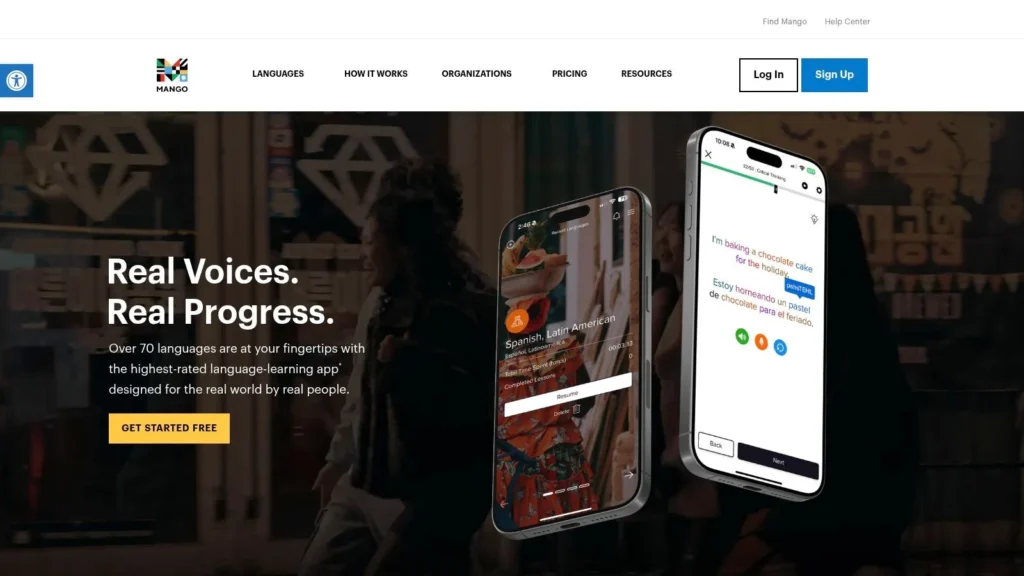
Need a language app that works for a whole household, a library budget, or a less common language, not just a solo learner chasing streaks? Mango Languages is one of the better options for that job.
Its value is practical. Mango is often available through public libraries, schools, and universities, which changes the buying decision completely. If you can get access through an institution, it becomes one of the easiest apps to add to your study toolkit without adding another monthly subscription.
Mango also makes more sense than many competitors if your goal is coverage and usability across different learners. Families can use it. Community programs can use it. Learners studying a language that gets limited support in mainstream apps can often find a better fit here.
What Mango does well is structured phrase-based study with a calm, functional interface. It is less about daily dopamine and more about usable lessons, clear progression, and broad access. That makes it a good pick for learners who want steady practice without the noise.
This app fits best in a goal-based setup:
- For travel and everyday conversation: Use Mango to build practical phrases and listening comprehension.
- For family or shared access: Choose it when multiple people want one platform with a wide language catalog.
- For budget-conscious learners: Check your local library first before paying for another app.
- Less ideal for motivation through gamification: The design is more instructional than habit-forming.
I would not use Mango as a complete system if speaking confidence is the main goal. Pair it with Tandem or HelloTalk for live conversation. If grammar accuracy matters more, combine it with Babbel or Busuu. That is where Mango fits best in this list. Not as the flashiest app, but as a reliable building block in a personalized plan.
Explore Mango Languages.
Top 10 Language-Learning Apps: Quick Comparison
| App | Core approach & key features | Best for | Unique selling points | Limitations | Price / Plans |
|---|---|---|---|---|---|
| Duolingo | Gamified bite‑size lessons; spaced repetition; AI helpers (paid); large course catalog | Beginners & casual daily practice | Habit‑forming engagement; biggest language coverage | Ads/freemium friction; needs supplements for deep grammar/speaking | Free tier; Super & Max paid plans (AI features) |
| Babbel | Linguist‑designed, level‑based, dialog‑first lessons; podcasts & review tools | Travelers & professionals seeking practical conversation | Clear progression; strong grammar explanations | Pricing varies by term/channel; live classes discontinued | Subscription (varies by term/platform); group plans |
| Rosetta Stone | Immersion‑style lessons; TruAccent speech recognition; listening/speaking focus | Immersion learners prioritizing pronunciation | Clean immersion design; strong pronunciation tools; lifetime all‑languages option | Limited explicit grammar instruction | Subscription; lifetime all‑languages option |
| Busuu | Expert lessons + community corrections; AI conversations; offline mode | Learners seeking balanced skills + social feedback | Native‑speaker corrections; balanced reading/writing/speaking practice | Dynamic pricing; smaller language catalog | Free tier; Premium Plus with AI and extras |
| Memrise | Video‑rich, scenario lessons with native clips; conversational AI (MemBot) | Beginners wanting real‑world phrases & listening | Native‑speaker videos; strong listening exposure; confidence building | Variable grammar depth; regional pricing differences | Free tier; Pro subscription |
| Pimsleur | Audio‑first 30‑minute lessons; graduated interval recall; hands‑free support | Commuters & auditory learners; speaking practice on the go | Excellent for pronunciation & conversational reflexes; CarPlay/Auto/Alexa support | Limited reading/writing; can be costlier long term | Per‑language subscriptions; All‑Access 50+; lifetime options |
| Tandem | Language‑exchange for 1:1 text/audio/video; live group rooms | Learners seeking real conversational partners | Fast access to native speakers; in‑chat corrections & tools | Unmoderated quality varies; Pro pricing regional | Generous free plan; Tandem Pro adds discovery & boosts |
| HelloTalk | Chat‑focused exchange with Voicerooms; in‑chat translation & correction tools | Learners wanting free, casual conversation practice | Massive user base; rich in‑chat tools; group Voicerooms | Finds committed partners can be hit/miss; VIP pricing varies | Free tier; VIP / VIP+ paid tiers |
| LingQ | Input‑based immersion; import YouTube/podcasts/ebooks; click‑to‑translate LingQs | Intermediate+ learners wanting extensive reading/listening | Customizable immersion with authentic media; personalized vocab | Less structured for beginners; pricing varies by region | Subscription plans (regional pricing at checkout) |
| Mango Languages | Course library with Mango Movies, placement tests, family profiles | Libraries, schools, families; learners of less‑common languages | Strong institutional/library access; wide catalog incl. rare languages | Less gamified; limited live speaking practice | Personal/family subscriptions; commonly free via public libraries |
How to Build Your Language Learning Toolkit
Which app should do the heavy lifting for your goal right now?
That is the better question. Learners waste time chasing a single winner when language study works better as a small system. One app keeps you consistent. Another forces recall out loud. A third exposes you to real language at a level you can handle. The right mix depends less on rankings and more on the skill that is holding you back.
Start by choosing a role for each app instead of trying to make one app do everything.
A practical toolkit usually has three parts. First, a core app for structure and review. Babbel, Busuu, and Mango Languages fit well here because they give you lessons, progression, and enough guidance to keep you from drifting. Second, an output tool for speaking and recall. Pimsleur is useful for guided audio practice, while Tandem and HelloTalk are better once you are ready to deal with real people, missed words, awkward pauses, and all. Third, an immersion tool. LingQ works well for reading and listening at scale, and Memrise helps when you want more exposure to useful everyday phrases and audio.
The trade-offs matter. Duolingo is good at habit formation, but many learners eventually need more explicit grammar and better speaking practice. Pimsleur builds fast verbal recall, but it does not cover reading and writing well. Tandem and HelloTalk give you real interaction, but partner quality varies and consistency can be hard to maintain. LingQ is excellent once you can tolerate ambiguity, but beginners often need more scaffolding first.
Here are four solid ways to build around specific goals:
- For consistency and early momentum: Use Duolingo or Babbel five to six days a week as the anchor. Add Memrise a few times a week for listening and phrase familiarity. This setup works well for beginners who need a low-friction routine before they worry about optimization.
- For speaking confidence: Use Busuu or Babbel for structure, then add Pimsleur for active recall during commutes or walks. Layer in one live conversation each week through Tandem or HelloTalk. That combination covers lesson input, spoken retrieval, and real interaction.
- For the intermediate plateau: Keep one structured app for review, but shift more time into LingQ, podcasts, videos, and short conversations. Intermediate learners often do not need more beginner lessons. They need more volume, more repetition in context, and more tolerance for incomplete understanding.
- For a busy schedule: Build around audio. Pimsleur, saved podcast clips, and short speaking exchanges fit better than a plan that depends on long screen sessions. If your week is unpredictable, a mobile routine you can reliably repeat beats an ambitious study plan you abandon after three days.
A sample weekly workflow can stay simple. Use your core app for 15 to 20 minutes on most days. Add two or three audio sessions during errands, walks, or commuting. Spend another two sessions reading or listening to material that is slightly above your current level. End the week with one conversation, voice note exchange, or short writing task so you have to produce language, not just recognize it.
AI features can help, but they work best as support. Use them for pronunciation checks, roleplay prompts, and quick corrections. Do not let them replace contact with real speech, real text, and real misunderstandings. Those frictions are part of learning.
The main mistake is easy to spot. Learners often choose tools that feel productive instead of tools that fix the next problem. If your vocabulary is growing but you freeze in conversation, add speaking pressure. If you can speak a little but understand almost nothing from native content, add graded listening and reading. If you keep starting and stopping, simplify the system until it fits your week.
The best toolkit is personal, but the logic is consistent. Pick one app for structure, one for output, and one for immersion. Then adjust the mix every few months based on results, not novelty.
If you want more practical education guides, tool comparisons, and approachable commentary across learning, technology, travel, and culture, explore maxijournal.com and consider following the site for new articles and contributor-friendly publishing updates.
Discover more from Maxi Journal
Subscribe to get the latest posts sent to your email.