A transparent and comprehensive privacy policy is not just a legal checkbox; it’s a fundamental signal of trust between you and your audience. For publishers, bloggers, and online businesses, clearly explaining how you handle user data can be the difference between a loyal reader and a lost visitor.
Yet, drafting one from scratch feels daunting. Where do you even begin? What clauses are non-negotiable for regulations like GDPR and CCPA? This article demystifies the process by providing actionable guidance and real-world examples. We will dissect 7 strong website privacy policy examples, breaking down their structure, strategic language, and key compliance elements. You’ll gain replicable strategies to craft a policy that not only protects your site but also builds lasting reader confidence.
Each breakdown includes direct links and screenshots so you can see exactly how these policies function in a live environment. We’ll explore solutions ranging from generators like Termly and TermsFeed to the specific implementation on a content-rich site. We’ll start by analyzing the approach of a diverse online magazine, maxijournal.com, to see how it balances user experience with legal transparency, offering a practical model for fellow publishers. From there, we will examine various policy generators that help businesses create custom, compliant documents without needing a law degree. This curated list is designed to give you the clarity and tools needed to build your own effective privacy policy.
1. maxijournal.com: A Publisher’s Approach to Transparency and Trust
As a diverse online magazine covering topics from science and tech to arts and culture, MaxiJournal.com (https://maxijournal.com/) engages with multiple user types. This includes casual readers, newsletter subscribers, and a community of contributors who submit articles. Their privacy policy is a strong foundational model for blogs and content-heavy sites because it addresses these distinct interactions with clarity.
MaxiJournal’s policy excels by segmenting its data practices based on user roles. It clearly distinguishes the data collected from a reader consuming an article versus a writer submitting a manuscript. This separation is crucial for building trust and ensuring compliance.
Strategic Analysis
The policy’s structure is its greatest strength. Instead of one long, confusing document, it uses clear headings that map directly to user activities, such as “Information We Collect from Readers” and “Information for Contributors.” This approach makes it one of the better website privacy policy examples for platforms with mixed-use cases.
Key Insight: Structuring a privacy policy around user actions rather than abstract legal categories makes it more accessible. A reader can quickly find the section relevant to them without needing to understand legal terms like “data controller” or “processor” first.
MaxiJournal also effectively explains the why behind its data collection. For instance, it doesn’t just state that it collects analytics data; it specifies that this data is used to “understand which content resonates with our audience to guide our editorial direction.” This justification frames data collection as a benefit to the user experience.
Actionable Takeaways for Your Site
For content-driven websites, especially those accepting guest posts or community submissions, adopting MaxiJournal’s model offers a clear path to transparency.
- Segment by User Type: Create distinct sections in your policy for different user groups (e.g., visitors, subscribers, authors). This immediately clarifies what information applies to whom.
- Justify Data Collection: For each type of data you collect, add a brief, plain-language explanation of why you need it. Connect it back to a tangible site improvement or user benefit.
- Link Internally: MaxiJournal links from its “Write for Us” page directly to the contributor-specific section of its privacy policy. This proactive transparency is a best practice that sets clear expectations before any data is submitted.
- Use an FAQ-Style Layout: Consider formatting complex sections with a question-and-answer format, such as “What happens to my data if my submission is not accepted?” This anticipates user concerns and provides direct, easy-to-find answers.
2. Termly: A Foundation for Compliant and Editable Policies
Instead of being a static example, Termly (https://termly.io/resources/templates/privacy-policy-template/) offers a dynamic starting point for creating a privacy policy. It provides lawyer-vetted, actively updated templates and a generator, making it ideal for small businesses, bloggers, and startups who need a compliant foundation without an immediate legal budget. It bridges the gap between a generic, non-compliant template and a custom-drafted legal document.
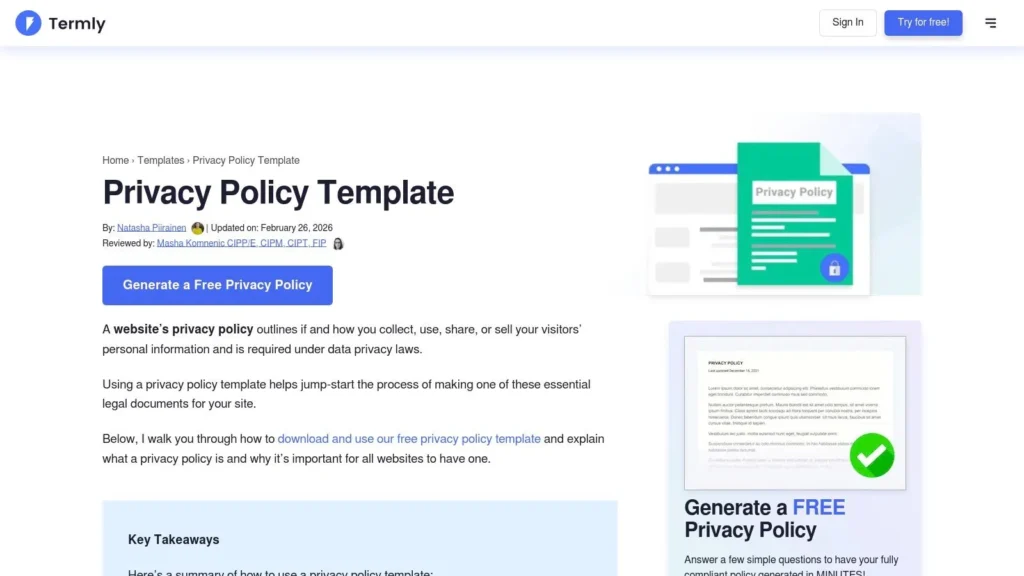
Termly’s main strength lies in its accessibility and commitment to staying current with global regulations like GDPR and CCPA. Users can either download a complete sample policy in various formats (Word, PDF, HTML) to edit themselves or use the free generator to create a personalized version by answering a series of questions about their data practices.
Strategic Analysis
The platform’s model is built on guided compliance. It doesn’t just give you a document; it provides context on which clauses are commonly needed for U.S. sites and offers guidance on where to place the policy for maximum visibility. This educational component is what makes it one of the most practical website privacy policy examples for beginners.
Key Insight: A “fill-in-the-blank” approach guided by compliance checkpoints is more effective for most small site owners than a blank page. It reduces the risk of omitting critical information required by law, such as user rights or data retention details.
Termly effectively balances automation with customization. The generator builds a solid base policy, but the downloadable formats (especially Word and Google Docs) invite you to tailor the language to your brand’s voice and specific operational needs. This prevents the “cookie-cutter” feel that many free policy generators produce. While the free tier is robust, advanced features like automatic updates when laws change require a paid Pro+ plan.
Actionable Takeaways for Your Site
For those starting from scratch, Termly offers a secure and efficient pathway to a baseline compliant policy.
- Use the Generator as a Checklist: Even if you plan to write your policy manually, run through Termly’s generator. The questions it asks are a great audit of the data you collect and why, ensuring you don’t miss anything.
- Download and Customize: Start with their complete sample template in Word or Google Docs. This gives you a full, properly structured document that you can then edit to reflect your site’s personality and specific data processes.
- Combine with Other Policies: A privacy policy is just one piece of the puzzle. Use Termly to generate other necessary documents, like a terms of service or a cookie policy. If you need a deeper understanding of cookie specifics, our guide to creating a compliant cookie policy can provide additional context.
- Schedule Manual Reviews: If you use the free version, you are responsible for updates. Set a calendar reminder every six months to review your policy against any new privacy law changes and update it accordingly.
3. TermsFeed: A Practical Template for Rapid Implementation
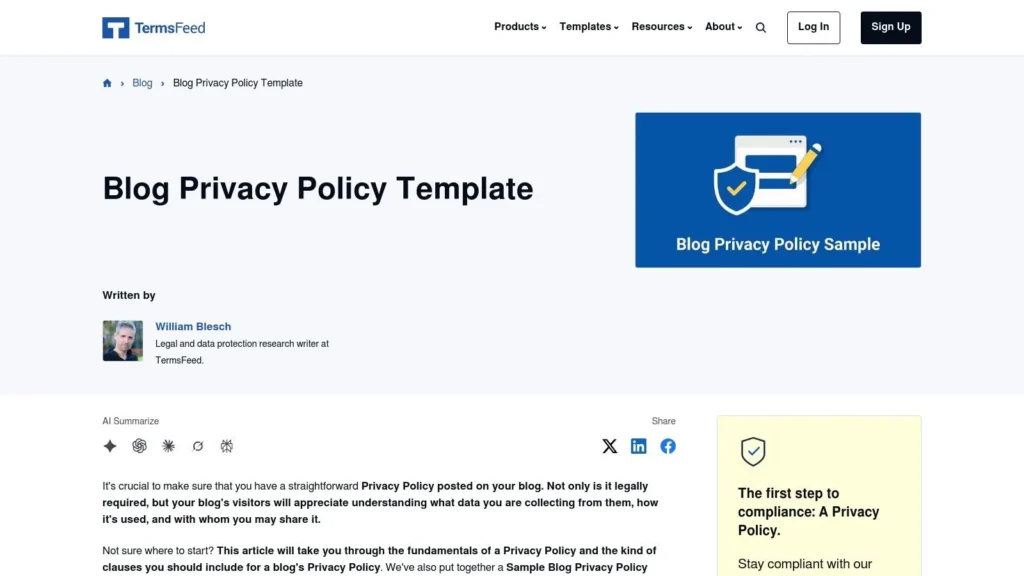
For many new blogs, small businesses, or publishers, the initial goal is to get a compliant policy up and running quickly without a significant legal budget. TermsFeed (https://www.termsfeed.com/blog/sample-blog-privacy-policy-template/) serves this exact need by providing a free, detailed, and ready-to-use sample blog privacy policy template. It acts as an excellent starting point for those who need a solid foundation to build upon.
The site offers more than just a template; it provides the policy in copyable HTML format, making it incredibly simple to paste directly into a website’s code or a CMS page. This practical approach, combined with guidance on where to place the policy and explanations of common clauses, makes it a valuable resource for developers and non-technical founders alike.
Strategic Analysis
The primary value of the TermsFeed sample is its role as a functional blueprint. It includes all the standard sections expected in a modern policy, from “Definitions” and “Collecting and Using Your Personal Data” to specifics on “Transfer of Your Personal Data.” This makes it one of the most useful website privacy policy examples for anyone needing to create a policy from scratch.
Unlike a blank page, the template gives you structured content that you can then customize to your specific data practices. It saves hours of research and initial drafting, providing a baseline that is already organized logically.
Key Insight: A pre-formatted HTML template removes the technical barrier to implementation. By providing ready-to-paste code, TermsFeed allows site owners to focus on the accuracy of the content rather than worrying about formatting and display issues.
The educational aspect of TermsFeed is also a major benefit. Its blog posts often show how well-known brands display their legal agreements, giving users real-world context. This blend of providing a tool and teaching how to use it effectively sets it apart from simple text generators.
Actionable Takeaways for Your Site
If you’re launching a new site or need to formalize your current data practices, using the TermsFeed template is a smart first step.
- Use as a Foundation, Not a Final Draft: Copy the template, but then meticulously go through each section. Remove any clauses that do not apply to your website and add details specific to your data collection tools (e.g., Google Analytics, Mailchimp).
- Customize Definitions: Ensure the “Definitions” section accurately reflects your business. Change the “Company” reference to your site’s name and URL to make it your own.
- Don’t Forget Other Agreements: A privacy policy works in tandem with other legal documents. Pair your newly created policy with a clear set of user guidelines, similar to the way we’ve outlined our site’s rules in MaxiJournal’s terms and conditions.
- Set a Review Reminder: Since this is a static template, it won’t update automatically as laws change. Set a calendar reminder to review and update your policy every 6 to 12 months or whenever new privacy legislation is passed.
4. FreePrivacyPolicy.com: A Meta-Resource for Policy Construction
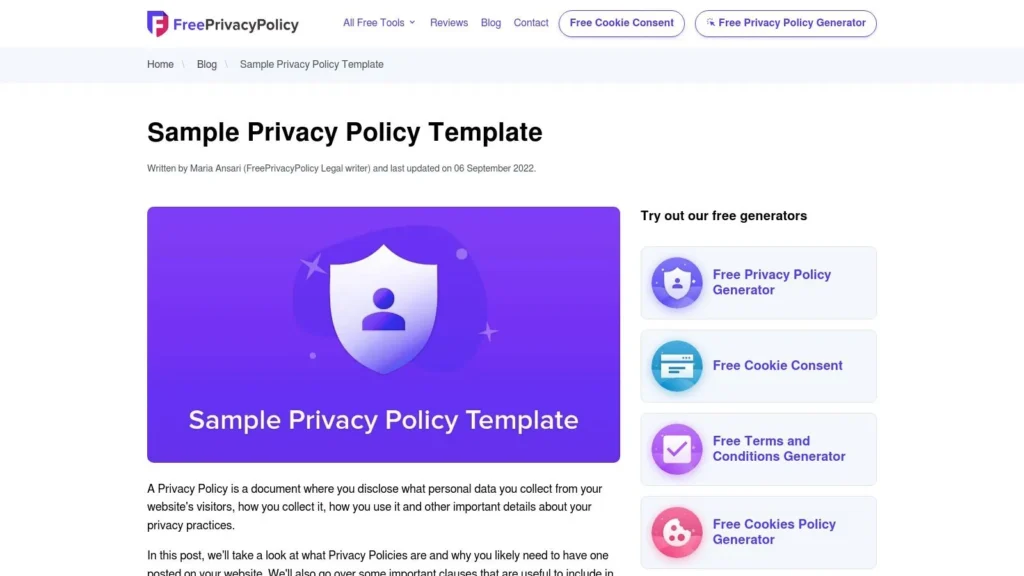
Unlike a direct policy from a single company, FreePrivacyPolicy.com (https://www.freeprivacypolicy.com/blog/sample-privacy-policy-template/) serves a different but equally important role. It acts as a meta-resource, providing a detailed template, clause-by-clause breakdowns, and a gallery of real-world examples from major brands. It’s an educational tool and a generator in one, making it a powerful starting point for anyone drafting a policy from scratch.
What sets this resource apart is its focus on deconstruction. Instead of just presenting a finished document, it explains the function of each section, from “Information Collection and Use” to “Log Data.” It also showcases how established companies like Reddit and Canva structure their policies, offering practical inspiration for layout and tone.
Strategic Analysis
The core value of FreePrivacyPolicy.com lies in its educational approach. By providing a gallery of website privacy policy examples from prominent companies, it helps users understand design and communication standards. A small business owner can see how a large publisher like The New York Times organizes its information, which is a big help for creating a professional-looking and trustworthy document.
The clause-by-clause explanation is another key strength. It translates dense legal concepts into more understandable terms, empowering users to make informed decisions about what to include in their own policies. While its free generator offers a quick solution, its real power is in teaching you how to think about privacy.
Key Insight: Learning from the structure and language of established brands is a smart shortcut. You don’t need to reinvent the wheel; you can adapt proven formats to fit your specific data practices, giving your policy a familiar and credible feel from day one.
While some content was last updated in 2022, the foundational principles and structural examples remain highly relevant. However, users should always cross-reference the generated clauses with the latest legal requirements, especially concerning new state-level privacy laws in the U.S.
Actionable Takeaways for Your Site
This resource is ideal for those at the beginning of their policy-writing journey or those looking to refine an existing one.
- Study the Gallery: Before writing a single word, browse the gallery of policies. Pay attention to navigation, heading styles, and the use of plain language by brands in your industry.
- Use the Template as a Checklist: Even if you don’t use the generator, the sample template on their blog is an excellent checklist. Go through it section by section to ensure you haven’t missed any critical data practices.
- Generate and Customize: Use the free generator to create a baseline document. Then, manually review and edit every clause to ensure it accurately reflects your site’s specific data collection, storage, and sharing activities. Do not use the output without careful review.
- Verify for Current Compliance: Since privacy laws change, use the generated policy as a first draft. Cross-reference it with up-to-date resources from legal professionals or official regulatory bodies (like the ICO for GDPR or the California AG’s site for CCPA/CPRA) to ensure full compliance.
5. PrivacyPolicies.com: A Practical Generator for Clause-by-Clause Compliance
For site owners who need to build a policy from the ground up, PrivacyPolicies.com (https://www.privacypolicies.com/) offers a powerful starting point. It functions as a free generator and an educational resource, providing step-by-step guidance and a library of example clauses for everything from analytics and ads to specific U.S. and global compliance needs. This makes it an ideal tool for publishers and small businesses needing a quick, compliant foundation.
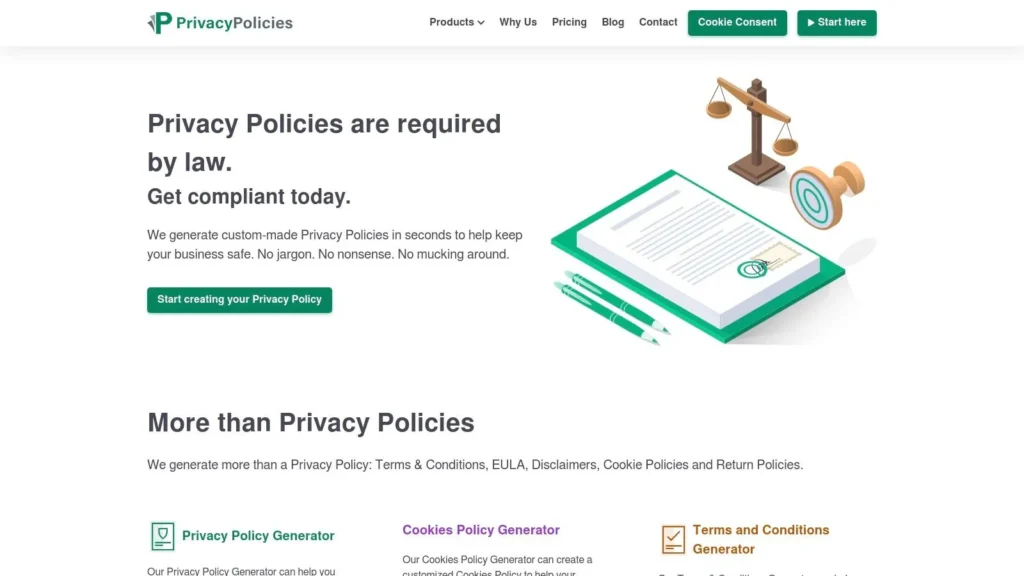
Unlike a static template, PrivacyPolicies.com guides users through a questionnaire to generate a policy tailored to their specific data practices. It addresses major frameworks like GDPR, CalOPPA, and CCPA/CPRA, translating complex legal requirements into a series of straightforward questions.
Strategic Analysis
The primary value of PrivacyPolicies.com is its ability to deconstruct a privacy policy into modular, understandable components. It presents users with a checklist of common data activities (e.g., “Do you use cookies?”, “Do you have a newsletter?”) and then provides pre-written clauses to address each one. This approach makes it one of the most accessible website privacy policy examples for non-lawyers.
Key Insight: Building a privacy policy clause-by-clause, based on your site’s actual features, ensures you don’t include irrelevant information or miss critical disclosures. A generator-based approach forces you to inventory your data practices systematically.
The platform’s strength is its focus on third-party tools and U.S. state laws. It includes specific language for Google Analytics, advertising partners, and the necessary notices for California residents. This is particularly helpful for publishers who monetize through ads and rely on standard analytics suites. However, while the free generator is robust, some advanced customizations or business-level features may require a paid plan. Also, some editorial pages show older update dates, so users should cross-reference generated policies against the latest state law developments for 2024 and beyond.
Actionable Takeaways for Your Site
If you’re creating your first privacy policy or need to update an existing one to cover new features, PrivacyPolicies.com is a valuable resource.
- Use the Generator as an Audit Tool: Even if you don’t use the final generated text, walking through the questionnaire is an excellent way to audit your site’s data collection activities and identify gaps in your current policy.
- Adapt, Don’t Just Copy: The provided clauses are excellent starting points. Read each one carefully and adapt the language to match your brand’s voice and specific operational details. For example, specify which third-party analytics tools you use.
- Verify Compliance Dates: While the generator is regularly updated, always double-check its output against the effective dates and requirements of new privacy laws in your key markets (like new U.S. state laws).
- Focus on Third-Party Disclosures: Pay close attention to the sections on third-party services. Use the provided examples to create a clear and comprehensive list of any ad networks, analytics providers, or payment processors you work with, and link to their privacy policies.
6. GetTerms: A Generator’s Model for Simplicity and Speed
For businesses needing a policy now, a generator like GetTerms (https://getterms.io/) offers a rapid solution. GetTerms is more than just a tool; its own public privacy policy serves as an excellent reference for how to create a simple, effective document when speed is critical. It’s designed for startups, small businesses, and side projects that need a baseline policy without a lengthy legal consultation.
The primary function of GetTerms is to generate a privacy policy based on user inputs about their business. However, their own example policy is a masterclass in directness and clarity, making it a valuable learning resource. It demonstrates how to cover essential legal bases (like GDPR and CCPA) in a format that is easy to deploy and read.
Strategic Analysis
GetTerms’s policy succeeds through its no-nonsense, minimalist structure. It avoids dense legal jargon in favor of short, declarative statements that get straight to the point. The document is organized with clear, predictable headings like “What information we collect” and “How we use the information we collect,” which helps users find what they need quickly.
Key Insight: A privacy policy doesn’t need to be an intimidating wall of text. For many small sites, a straightforward, clearly-headed document that covers the fundamentals is more effective and user-friendly than an overly complex one. The goal is communication, not just legal defense.
A key benefit of studying the GetTerms example is seeing how a generator structures its own compliance. It practices what it preaches by providing a lean but functional policy. This approach makes it one of the best website privacy policy examples for anyone looking to understand the essential components of a baseline policy before creating their own, whether with a generator or from scratch. While their public example is dated, the structure remains a solid template for immediate implementation.
Actionable Takeaways for Your Site
If you need a policy quickly or are starting a new project, the GetTerms model provides a strong foundation for rapid deployment.
- Adopt a Simple Heading Structure: Use clear, common-sense headings like “Information We Collect,” “Cookies,” “Third-Party Services,” and “Your Rights.” This makes the document scannable and easy to navigate.
- Use Direct Language: Write short, simple sentences. Instead of “We may from time to time utilize your data to…”, try “We use your data to…” This directness builds trust and improves readability.
- Focus on the Essentials First: The GetTerms example shows how to cover the basics first: what you collect, why you collect it, who you share it with, and what rights users have. You can add more detailed clauses later as your business grows.
- Consider Multiple Formats: GetTerms offers policies as hosted links, HTML, and WordPress plugins. This is a great reminder to make your policy accessible. At a minimum, provide a clear link in your site’s footer and consider offering a downloadable PDF version.
7. Termageddon: The “Set-and-Forget” Approach for U.S. Compliance
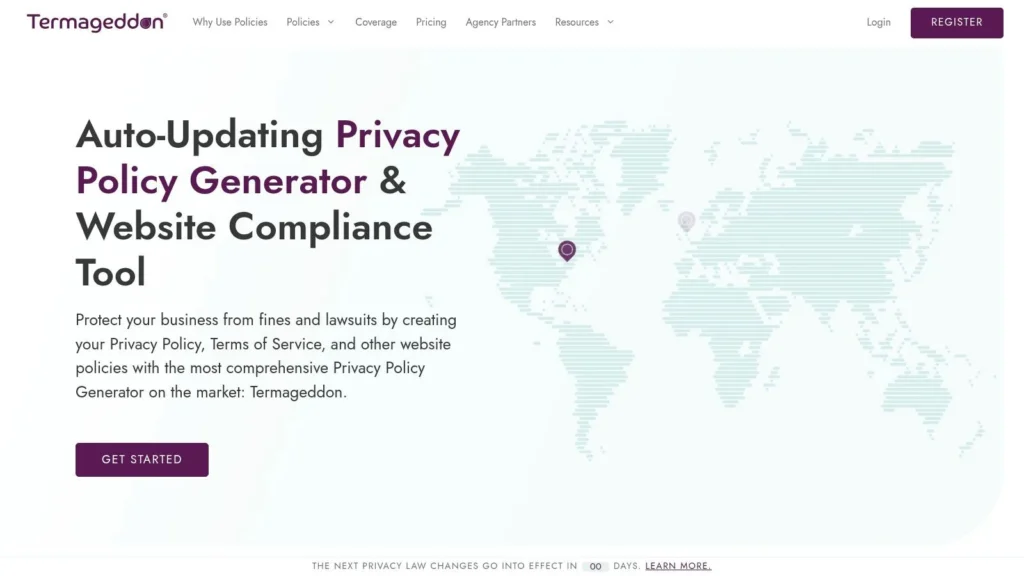
For small businesses and solo entrepreneurs, the rapidly changing landscape of U.S. state privacy laws can be a significant burden. Termageddon (https://termageddon.com/) addresses this pain point directly by offering an auto-updating privacy policy generator. It’s a tool designed for teams who need reliable compliance without a dedicated legal department, making it a unique entry in this list of website privacy policy examples because it’s a generator, not a static document.
The service, founded by a licensed privacy attorney, creates policies that automatically update whenever relevant laws change. This is accomplished via an embed code, ensuring the live policy on a user’s website stays current with regulations like the CPRA/CCPA and new state-specific laws as they come into effect. It also bundles a Terms of Service, Cookie Policy, Disclaimer, and EULA under one license.
Strategic Analysis
Termageddon’s core value proposition is reducing legal maintenance. Instead of manually tracking legislation and hiring an attorney for every minor update, users pay an annual subscription for a policy that manages itself. This is especially potent for businesses operating nationally within the U.S., where a patchwork of state laws creates a complex compliance web.
The generator asks a series of questions about your business’s data practices, similar to tax software, and then generates the necessary legal text. The automatic update feature is the key differentiator; when a state like Virginia or Colorado amends its privacy act, Termageddon pushes the required language changes to the embedded policy on your site.
Key Insight: Automating compliance for recurring, predictable legal changes frees up small business resources. By treating privacy policies as a dynamic service rather than a static document, Termageddon shifts the burden from the business owner to the software provider.
While it is not a law firm and cannot provide legal advice for highly specific or unusual data-handling situations, it provides a powerful, professional baseline. Its explicit focus on U.S. state laws makes it a pragmatic solution for companies whose primary audience is domestic.
Actionable Takeaways for Your Site
If you’re a small business, blogger, or agency managing client sites, Termageddon’s model offers a practical path to maintaining compliance with minimal ongoing effort.
- Audit Your Geographic Reach: If your website serves users across multiple U.S. states, a service like this can be a cost-effective way to stay ahead of new state-level privacy laws without constant manual review.
- Treat Policies as a Service: Consider paying for an automated policy service as part of your operational budget. The annual cost is often far less than the legal fees required for even a single manual policy update.
- Use the Generator as a Data Practice Checklist: The questionnaire Termageddon uses can serve as an internal audit. It forces you to catalog exactly what data you collect, how you use it, and which third-party services you share it with.
- Disclose Your Use of a Generator: While not required, adding a small note like “Our policies are generated and kept up-to-date by Termageddon” can add a layer of transparency, showing users you are taking compliance seriously with professional tools.
7 Website Privacy Policy Examples — Comparison
| Solution | Implementation complexity | Resource requirements | Expected outcomes | Ideal use cases | Key advantages |
|---|---|---|---|---|---|
| maxijournal.com | Not a generator — informational resource | None for policy creation; useful research/readership | Examples, guides, and editorial transparency for publishers | Publishers and writers seeking examples, guest-post guidance, or content templates | Broad topical coverage, active archive, contributor-friendly |
| Termly | Low–Medium (use templates or generator) | Minimal (free tier); Pro features paid | Lawyer‑vetted, editable policies and placement guidance | Small businesses and sites wanting up-to-date, downloadable templates | Actively updated templates, multi-format downloads, legal guidance |
| TermsFeed | Low (copy‑paste HTML or download) | Free templates; paid add-ons for generator features | Ready-to-implement HTML and downloadable policy files | Blogs and online magazines needing quick HTML implementation | Fast HTML examples, practical placement guidance |
| FreePrivacyPolicy | Low–Medium (generator + manual edits) | Free tools available; may need legal review | Detailed templates with clause explanations and examples | Media sites matching big-brand policy structure and tone | Clause-by-clause breakdown and gallery of major brand examples |
| PrivacyPolicies.com | Low (step-by-step generator + templates) | Free basic generator; paid for advanced customization | Clause libraries addressing ads, analytics, CA/GDPR considerations | Publishers needing specific clauses for third‑party tools and California notices | Strong U.S. focus and adaptable example clauses |
| GetTerms | Very low (fast generator, live example) | Minimal free option; paid tiers for extras | Quick deployable policy in multiple formats (embed, HTML, PDF) | Sites needing immediate policy deployment across CMS | Very fast setup and flexible delivery formats |
| Termageddon | Medium (embed code + configuration) | Annual subscription; embed required for auto-updates | Auto-updating live policies with U.S. state law coverage | Small teams wanting set‑and‑forget compliance for U.S. laws | Auto‑updates, broad state coverage, attorney-founded vendor |
From Example to Execution: Your Action Plan for a Trustworthy Privacy Policy
We have explored a variety of powerful resources, from the publisher-centric model of MaxiJournal.com to the specialized compliance engines offered by Termly and Termageddon. The journey through these distinct website privacy policy examples reveals a core truth: a privacy policy is far more than a legal formality. It is a pact of trust between you and your audience, a public declaration of your commitment to data ethics.
The most effective policies we analyzed share common traits. They are not built on dense legalese but on clarity, transparency, and a user-first mindset. From TermsFeed’s detailed clause generation to FreePrivacyPolicy.com’s accessible starting points, the goal is always to translate your specific data practices into a document that an average reader can understand. Blindly copying a template is a critical mistake; your policy must be a mirror, accurately reflecting every piece of data your website collects, uses, and shares.
Your Three-Step Action Plan
Transforming these insights into a compliant and trustworthy policy for your own site can be organized into a straightforward process. Don’t feel overwhelmed by the legal requirements; instead, focus on this methodical approach.
Conduct a Comprehensive Data Audit: Your first task is to become a detective on your own website. You cannot write an accurate policy without knowing exactly what data flows through your digital property. Create a detailed inventory.
- Forms: List all contact forms, comment sections, and newsletter sign-ups. What information do they request (name, email, phone number)?
- Cookies & Trackers: Use a browser’s developer tools or an online scanner to identify all first-party and third-party cookies. Note their purpose (analytics, advertising, functionality).
- Analytics: Are you using Google Analytics, Plausible, or another service? Document what data these tools collect.
- Third-Party Integrations: Do you have embedded YouTube videos, social media share buttons, or advertising pixels (like Meta Pixel)? Each of these is a potential point of data collection that must be disclosed.
Draft with Clarity and Structure: Armed with your data audit, you can now begin drafting. Refer back to the examples we’ve reviewed. Notice how they use clear, simple language.
- Use Plain Language: Swap legal jargon for simple terms. Instead of “We may engage third-party service providers to facilitate our Service,” try “We use other companies to help us run our website, like our email provider.”
- Implement a Layered Approach: Start with a brief, easy-to-read summary at the top. This gives users the essential information upfront, with the option to dive deeper into specific sections.
- Organize with Headings: Structure your policy with clear headings like “What Information We Collect,” “How We Use Your Information,” and “Your Data Rights.” This makes the document scannable and user-friendly.
Ensure Visibility and Accessibility: A perfect privacy policy is useless if no one can find it. Accessibility is a key part of compliance and trust.
- Footer Links: Place a clear link to your privacy policy in the footer of every page on your website. This is standard practice and where users expect to find it.
- Consent Banners: When collecting data that requires consent (like through non-essential cookies or newsletter sign-ups), link directly to your policy at the point of collection.
By treating your privacy policy as a cornerstone of your user experience, you build a more resilient foundation for your website. It ceases to be a chore and becomes an opportunity to demonstrate integrity and respect for your audience’s privacy. This is how you convert a legal necessity into a competitive advantage.
Ready to see how a content-focused platform puts these principles into practice? Explore maxijournal.com, a publisher that prioritizes clear site policies as part of its commitment to contributors and readers. Observing how a real-world publisher handles its legal framework offers another practical example to guide your own efforts.
Discover more from Maxi Journal
Subscribe to get the latest posts sent to your email.