The most recognizable video tool isn’t automatically the best clinical choice. A doctor needs to compare the entire operating workflow, including patient access, scheduling, documentation, EHR connectivity, billing ownership, security configuration, staff communications, specialty requirements, and implementation effort. A polished video call can still create duplicate charting, unclear follow-up responsibility, or unnecessary patient friction.
Telemedicine has become core healthcare infrastructure rather than an experimental add-on. One market estimate valued the global sector at USD 114.98 billion in 2023, rising to USD 141.19 billion in 2024 and projecting USD 380.33 billion by 2030, with an implied growth rate of about 17.5% from 2025 to 2030. A separate estimate places the market at USD 132.54 billion in 2025 and USD 317.26 billion by 2031, reinforcing the scale of the category (Mordor Intelligence market analysis).
The list below compares telemedicine platforms for doctors by operational fit. It covers quick-start tools, EHR-integrated platforms, enterprise virtual-care systems, and communication-focused options. Pricing, security commitments, BAAs, integrations, and plan inclusions can vary, so confirm the current package before signing.
For documentation-heavy practices, pair platform selection with the right clinical input method. A tool such as VoiceType medical voice recognition can help teams assess whether voice capture belongs in the broader telemedicine workflow.
1. Doxy.me
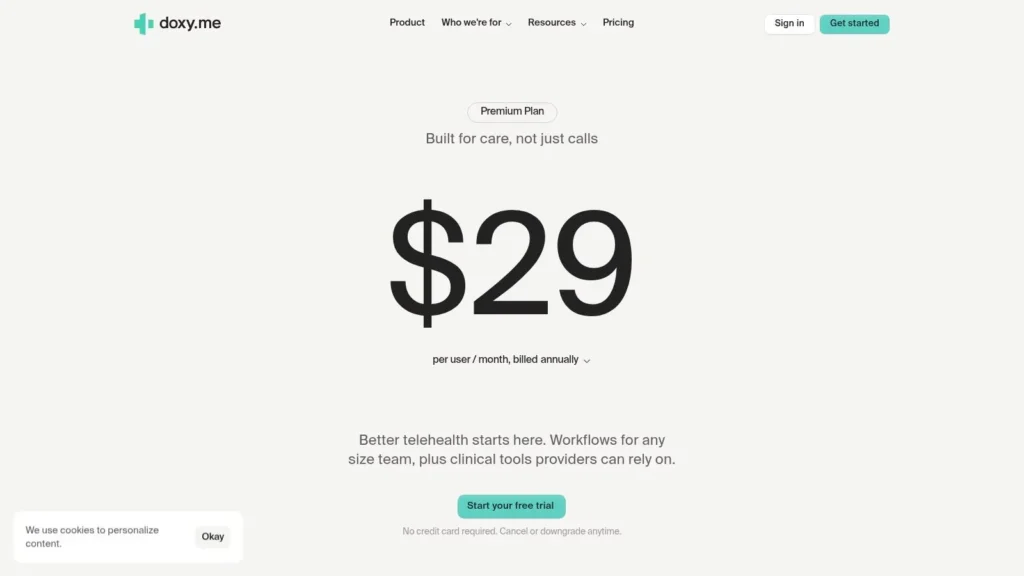
Doxy.me is the practical starting point for doctors who want to launch virtual visits without turning patient onboarding into an IT project. Patients join through a browser link, which removes the need for a dedicated app download and keeps the first interaction familiar. Its virtual waiting room, screen sharing, file transfer, and group-session capabilities cover the basic mechanics of routine remote care.
The platform suits solo clinicians, small practices, and organizations managing multiple clinics. A free entry tier makes it useful for testing or low-volume care, while paid plans add healthcare-oriented controls such as BAAs and more advanced administrative or branding capabilities. The key trade-off is that Doxy.me is intentionally lighter than a complete EHR and practice-management suite.
Best fit and trade-offs
Doxy.me works best when patient access and deployment speed matter more than deep native billing or documentation. A clinician can use it as the main virtual-visit layer while keeping charting and revenue-cycle work in an existing system.
- Patient experience: Link-based entry and no required patient download reduce avoidable access barriers.
- Practice fit: Suitable for solo doctors through multi-clinic organizations, with higher tiers for business administration and analytics.
- Workflow limitation: Some EHR connections are lighter than the integrations offered by all-in-one EHR suites.
- Buying caution: Advanced administration and branding require paid plans, so compare those inclusions with the practice’s governance needs.
Doxy.me also benefits from rapid deployment and ongoing feature updates. It’s a strong choice for a practice that needs a dependable virtual room now, but doctors should decide in advance where notes, orders, billing, and follow-up tasks will live.
2. Doximity Dialer
Doximity Dialer approaches telemedicine from the phone outward. Its main strength is a low-friction connection between a physician and patient, using voice or video without requiring the patient to create an account or install an application. A doctor can send a link by text, protect a personal number through call masking, and work from a mobile-first interface.
That makes Dialer particularly useful for short follow-ups, prescription-related communication, coverage gaps, and backup access when a more elaborate virtual-care system is unavailable. Dialer Pro serves individual clinicians, while Dialer Enterprise adds organizational administration and reporting. Other Doximity ecosystem add-ons, including AI scribe capabilities, can vary by offering and should be checked directly with the vendor.
Where Dialer earns its place
The platform isn’t a replacement for an EHR. It provides the communication layer, while the clinician remains responsible for documentation, coding, orders, and continuity inside the practice’s clinical system.
Operational rule: Treat Dialer as a fast access and communications tool unless the surrounding Doximity package demonstrably covers the documentation tasks your team needs.
- Patient access: Texted links and no required login keep the joining process simple.
- Privacy: Number masking protects a physician’s personal phone number.
- Clinical workflow: Mobile-first calling is useful for clinicians who need flexibility outside a workstation.
- Administrative gap: Dialer has limited native documentation compared with an integrated EHR platform.
- Cost consideration: Pro and Enterprise capabilities require a subscription, so confirm the plan before standardizing on it.
Doximity Dialer is a sensible choice for U.S. physicians who already work in the Doximity environment and want a familiar backup channel. It’s less suitable as the sole platform for a group that wants scheduling, charting, billing, and patient communications in one operational system.
3. Zoom for Healthcare
Zoom for Healthcare is strongest when a practice values familiarity, broad device coverage, and reliable video conferencing across several use cases. The healthcare offering supports HIPAA-oriented programs and a Business Associate Agreement, along with controls such as virtual waiting rooms, screen sharing, breakout rooms, interpretation, and high-definition video.
That flexibility extends beyond patient visits. Health systems can use the same environment for care-team meetings, medical education, administrative coordination, and provider-to-provider communication. The platform can scale from an individual clinic to a large health system, but scale doesn’t eliminate the need for careful configuration.
A video layer, not an EHR
Zoom can provide the meeting environment, but it doesn’t automatically complete the clinical workflow around the meeting. A practice still needs to determine how staff verify patient identity, record consent where required, document the encounter, transmit orders, manage billing, and handle a failed connection.
- Strength: Patients and staff may already recognize the interface, reducing basic orientation work.
- Strength: Waiting rooms, breakout rooms, interpretation, and device support help accommodate more complex encounters.
- Limitation: Full clinical workflows require integration work because Zoom isn’t a standalone EHR.
- Security responsibility: A BAA and healthcare-oriented features don’t replace internal configuration, access controls, staff policies, or device governance.
- Procurement: Healthcare pricing is sales-led, so request a written description of included controls and integrations.
Zoom is a good operational fit for organizations that need a versatile communications layer across clinical and nonclinical settings. It’s less compelling when the primary buying goal is native charting, billing, or embedded appointment management.
4. Teladoc Health Solo
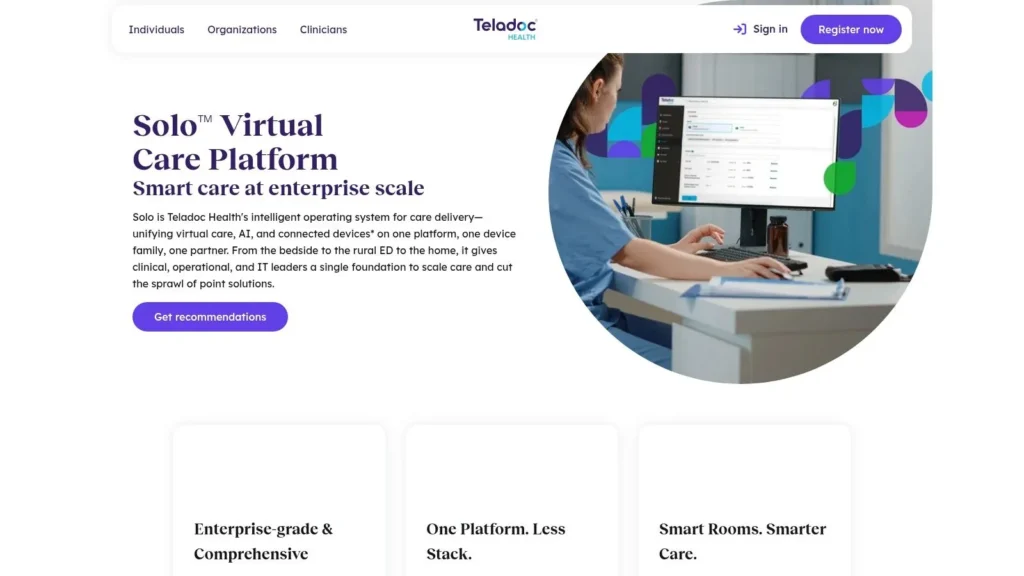
Teladoc Health Solo is designed for organizations that need more than a virtual meeting room. It functions as an enterprise virtual-care operating system for scheduled and on-demand visits, provider-to-patient encounters, and provider-to-provider consultations. Its design emphasis is on EHR-embedded launches, clinical workflow support, enterprise administration, analytics, and connected devices.
The platform’s scale changes the buying question. A solo doctor shouldn’t compare Teladoc Health Solo with a lightweight browser tool on video quality alone. The relevant comparison is whether the organization needs centralized governance, multiple care pathways, device-supported monitoring, and support resources capable of handling a larger deployment.
Enterprise fit analysis
Teladoc Health Solo is a better match for hospitals, health systems, and larger medical groups than for small practices. Its value comes from connecting virtual care to existing clinical operations, not from offering the fastest possible solo setup.
- Best use case: Scheduled visits, on-demand care, acute consults, and ambulatory follow-ups inside a broader virtual-care program.
- Integration question: Ask how launches, notes, orders, device data, and patient identity move between the platform and the organization’s EHR.
- Governance question: Define who owns templates, permissions, analytics, escalation rules, and clinician onboarding.
- Implementation trade-off: Configuration and deployment are more demanding than with small-practice tools.
- Commercial reality: Pricing is quote-based and oriented toward organizational procurement.
Organizations evaluating broader digital-health programs may also benefit from reviewing related healthcare technology innovations before selecting a platform that could shape device, data, and integration strategy. Teladoc Health Solo is compelling when virtual care is a strategic service line. It’s excessive if the practice only needs a simple patient video link.
5. Amwell Converge
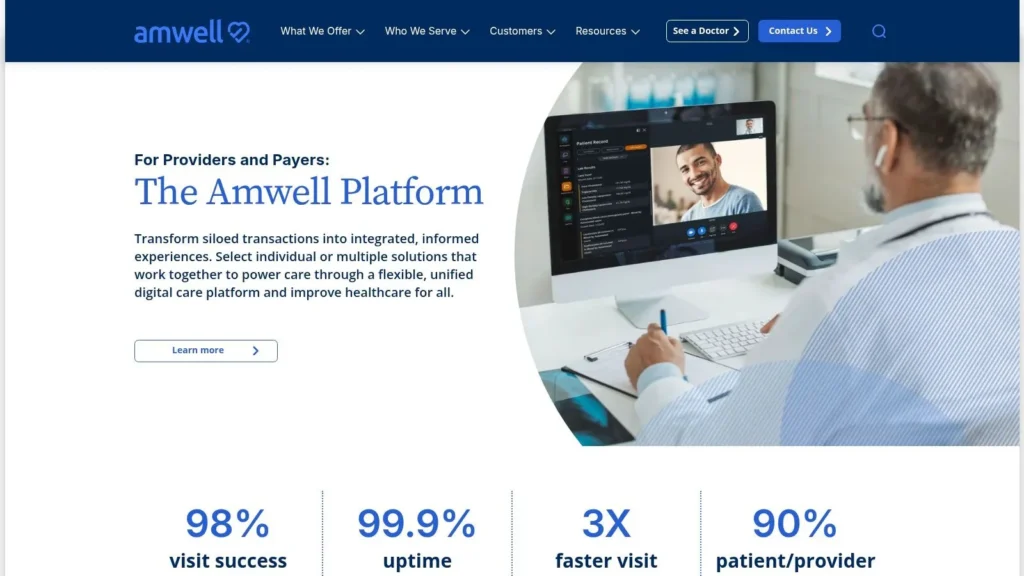
Amwell Converge targets organizations that want virtual care to coexist with automated and in-person services rather than operate as a separate video channel. Its architecture is aimed at health systems and payers with complex workflows, EHR connectivity requirements, device programs, and the need for branded or white-label patient experiences.
The platform can support different care modalities through one environment, with open architecture and EHR-launch options intended to place virtual care closer to existing clinical work. Organizations can also consider staffing support through Amwell Medical Group when extending clinical coverage is part of the operating model.
Why hybrid care changes selection
A hybrid platform can reduce the need to assemble separate tools, but it also introduces more governance decisions. The buyer must evaluate not only the clinician video workflow, but also how automated interactions, connected devices, physical care locations, staffing, and escalation paths fit together.
- Integration: EHR launchability and open architecture matter when clinicians should work from established records.
- Patient journey: White-label options can make virtual care feel like part of the health system rather than a disconnected vendor service.
- Capacity: Optional medical-group staffing can help organizations extend coverage without building every service internally.
- Procurement burden: Enterprise contracting and implementation require cross-functional participation from clinical, IT, compliance, and finance teams.
- Practice fit: The platform isn’t designed for a solo practice seeking a quick, low-cost start.
Amwell Converge is appropriate when the organization is designing a multi-modal care operating model. It isn’t the efficient choice for a doctor who only needs video visits and already has scheduling, documentation, and billing under control.
6. athenaTelehealth
athenaTelehealth makes the most sense inside an athenaOne practice. Instead of creating a separate virtual-care island, it places telehealth scheduling, visit links, documentation, orders, billing, and patient communications within the cloud EHR and practice-management environment.
That integration can remove the repeated copying and screen switching that often frustrate clinicians. The benefit is not just that a patient can join a video visit. The benefit is that the visit can remain connected to the same operational chain used for appointments, records, follow-up, and revenue-cycle work.
The value depends on the existing EHR
athenaTelehealth is a classic example of why platform rankings without context mislead buyers. A practice already using athenaOne may gain workflow continuity, while a practice on another EHR would need to weigh migration, implementation, and training against the advantage of native connectivity.
- Scheduling: Existing appointment channels can support telehealth links and patient communications.
- Documentation: Embedded notes and orders reduce duplicate entry between the visit and the chart.
- Billing: Keeping billing flows in the same suite can clarify ownership and reduce handoffs.
- Governance: Enterprise practices should review communications policies, permissions, templates, and administrative controls.
- Commercial limitation: It’s typically sold as part of athenaOne rather than as an independent telehealth product.
An organization also needs to review privacy and regulatory processes alongside platform features. Resources covering GDPR compliance for websites can support that broader governance discussion, especially for practices serving patients across jurisdictions. athenaTelehealth is a strong EHR-native choice, not a universal standalone winner.
7. eClinicalWorks healow Telehealth
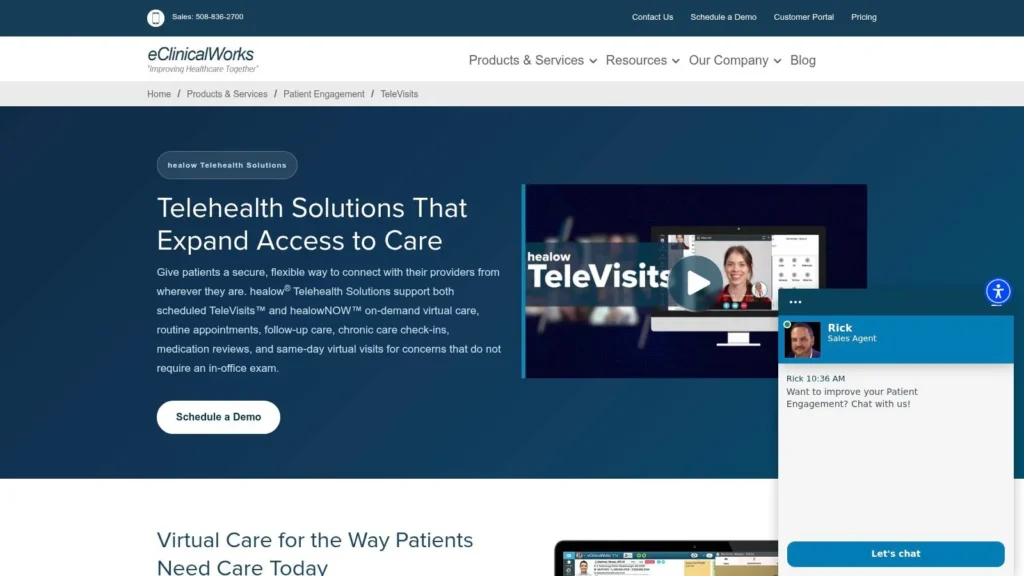
eClinicalWorks healow Telehealth connects clinician-facing telehealth with the eClinicalWorks EHR and the patient-facing healow ecosystem. Scheduled TeleVisits support planned appointments, while healowNOW supports an on-demand model. Patient reminders, portal functions, engagement tools, mobile workflows, and group visits extend the platform beyond the video encounter itself.
The main advantage appears when a multi-specialty ambulatory practice already uses eClinicalWorks. Telehealth can remain aligned with the same records, appointment processes, coding, billing, and patient relationship tools rather than creating a separate operational queue.
Scheduled care versus on-demand access
The distinction between scheduled and on-demand visits matters operationally. Scheduled care needs appointment preparation, reminders, intake, and predictable documentation. On-demand care requires routing, clinician availability, triage rules, and clear ownership of follow-up.
- EHR fit: TeleVisits are designed to work within eClinicalWorks.
- Patient engagement: healow supports portal-based communication, reminders, and patient-facing access.
- Practice scale: The platform suits ambulatory groups that need more than a basic video room.
- Billing alignment: Buyers should verify how coding, claims, and payer-specific processes are handled in their configuration.
- Buying caution: Public pricing isn’t listed, and contract terms vary.
A practice should also consider whether remote care depends on connected measurements or home monitoring. A review of relevant health monitoring devices can help clinicians separate a video-only workflow from a model that needs additional data inputs. healow Telehealth is strongest when the organization wants patient engagement and EHR integration in the same ecosystem.
8. SimplePractice
SimplePractice is built around the administrative reality of solo and small-group clinicians, particularly in behavioral health and allied health. Its integrated telehealth connects with scheduling, the patient portal, billing, and documentation, so a clinician doesn’t need to assemble every surrounding function separately.
The platform also offers AI-assisted progress notes and group telehealth support on higher tiers. Those features can help reduce documentation friction, but they shouldn’t be treated as a substitute for clinician review, practice policy, or a clear approach to handling sensitive clinical information.
Best for focused outpatient practices
SimplePractice is a strong fit when the practice has a relatively contained outpatient workflow and wants ease of setup. Behavioral-health clinicians may value the connection between appointments, portals, notes, and billing more than enterprise device orchestration or complex multi-site command structures.
- Setup: Solo and small-group practices can adopt an integrated environment without deploying a large enterprise virtual-care program.
- Clinical workflow: Scheduling, documentation, billing, and telehealth remain closely connected.
- Patient relationship: The portal gives patients a consistent place to manage interactions with the practice.
- Higher-tier features: Group telehealth and AI-assisted progress notes may depend on the selected plan.
- Cost review: Claims and eligibility functions can involve add-on fees depending on the package.
Network conditions still affect any browser-based video encounter, so practices should test the actual devices, locations, and patient populations they serve. SimplePractice wins on cohesion and accessibility, not on being the broadest platform for hospital-scale virtual care.
9. Spruce Health
Spruce Health treats telemedicine as one part of a larger communications system. Video visits sit alongside secure texting, voice, e-fax, team inboxes, tagging, templates, and automations. That combination is useful for virtual-first practices and multi-location teams where patient communication continues before and after the appointment.
The platform’s operational advantage is consolidation. A staff member can manage messages, calls, fax traffic, and virtual visits in one environment instead of asking patients to use separate channels and asking employees to monitor disconnected queues.
When communications are the bottleneck
Spruce Health is particularly relevant when the practice’s problem isn’t “we need video.” The core issue may be unanswered messages, unclear team ownership, scattered fax workflows, or inconsistent follow-up after a visit.
- Unified channel: Video, messaging, voice, and e-fax support a broader patient communication workflow.
- Team operations: Shared inboxes, tags, templates, and automations help distribute work across staff.
- Scalability: Per-user subscriptions provide an upgrade path for larger teams and multiple locations.
- Pricing caution: Full tier and feature details may require a sales conversation.
- Local cost issue: Telephony taxes and fees can add to monthly costs in some locations.
Spruce Health is less attractive if a practice already has a mature communications stack and only wants a basic video function. It becomes more valuable when secure communication is central to how patients reach the practice and how staff coordinate care.
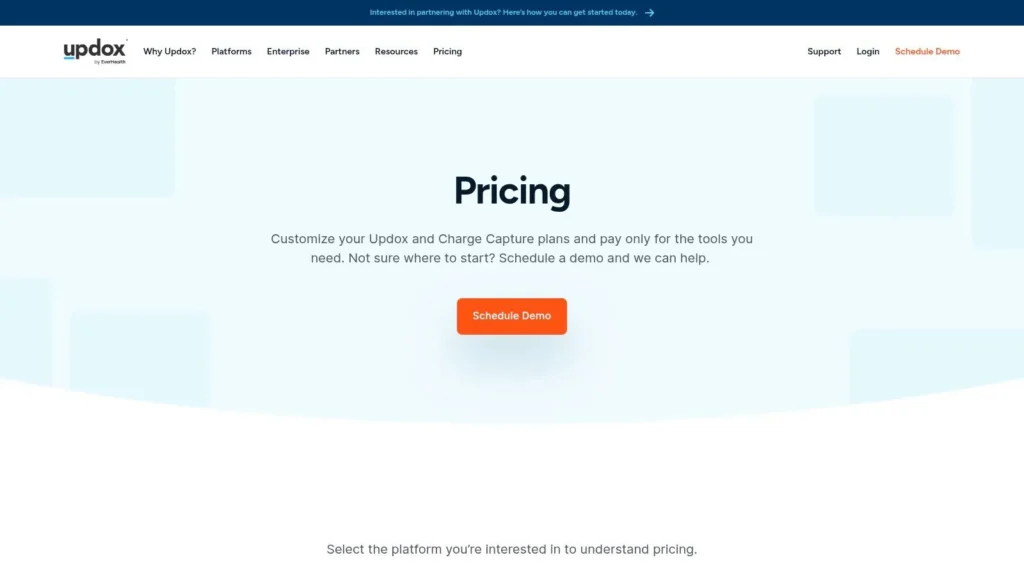
10. Updox Telehealth
Updox Telehealth combines virtual visits with practice communications such as texting, broadcast messaging, secure messaging, and e-fax. It targets independent and small-to-mid-sized practices that want to improve front-office coordination without replacing their existing EHR.
The platform’s fit depends on the practice’s appetite for bundled services. A clinic may value one vendor for patient links, messaging, faxing, and outreach, especially when staff currently move between several systems. At the same time, tiered plans, usage-based options, and add-on bundles can make comparisons less direct than a simple monthly subscription.
A practical communications upgrade
Updox is best viewed as a workflow layer around an existing practice, not as an EHR replacement. Its value rises when the front office needs a dependable way to connect patient messaging with virtual visits and document exchange.
- Access: Easy patient links can reduce the steps required to start a visit.
- Communication: Texting, secure messages, and e-fax support activities that video platforms often ignore.
- Integration: Connections with many EHRs can help preserve existing clinical systems.
- Scaling: Add-on bundles can accommodate heavier use as the practice expands.
- Comparison challenge: Confirm exactly which communications, usage allowances, integrations, and support services the selected package includes.
Updox suits practices that want practical consolidation without committing to a new EHR. It may be less appealing for a clinician who wants the smallest possible toolset or for a health system that needs a unified enterprise virtual-care architecture.
Top 10 Telemedicine Platforms, Clinician Feature Comparison
| Platform | Core features | Target audience | Key strengths | Pricing / Tiers |
|---|---|---|---|---|
| Doxy.me | Browser‑based visits, virtual waiting room, screen share, file transfer, group sessions, HIPAA workflows | Solo clinicians → multi‑clinic practices | No‑download patient experience; fast deployment; free tier for testing | Free + paid tiers; advanced admin/branding on paid plans |
| Doximity Dialer (Pro / Enterprise) | One‑tap voice/video, number masking, texted join links, enterprise reporting, AI add‑ons | U.S. physicians, mobile‑first clinicians (individuals & orgs) | Very low patient friction; high answer rates; widely adopted by MDs | Pro/Enterprise subscription; add‑ons vary |
| Zoom for Healthcare | HIPAA‑aligned BAA, waiting room, HD video, breakout rooms, interpretation | Solo providers → large health systems; education & admin uses | Familiar UI; robust performance and device coverage | Sales‑based pricing; requires HIPAA configuration/BAA |
| Teladoc Health Solo | Unified scheduled/on‑demand visits, EHR launches, enterprise admin & analytics, device support | Health systems and large organizations | Enterprise‑grade integrations and support; proven at scale | Quote‑based enterprise pricing; implementation complexity |
| Amwell Converge | Hybrid platform across virtual/automated/in‑person care, EHR launch, devices, optional staffing | Health systems, payers, complex workflows | Deep EHR/device integration; white‑label and staffing options | Enterprise procurement; quote‑based |
| athenaTelehealth (athenaOne) | Native telehealth in athenaOne, scheduling, embedded documentation, orders, billing | Practices already using athenaOne | Seamless workflow and documentation if on athenaOne | Sold as part of athenaOne; pricing via sales |
| eClinicalWorks healow Telehealth | Integrated TeleVisits, healowNOW on‑demand, patient engagement, mobile workflows | Multi‑specialty ambulatory practices on eClinicalWorks | Tight EHR alignment with coding/billing; integrated patient tools | Contract pricing; public pricing not listed |
| SimplePractice (Telehealth) | Integrated telehealth, scheduling, billing, documentation, AI‑assisted notes, group visits | Behavioral health & allied health; solo & small groups | All‑in‑one practice platform; easy setup for small practices | Tiered plans; some add‑on fees may apply |
| Spruce Health | Video visits + secure messaging, telephony, e‑fax, team inboxes, templates, automations | Virtual‑first and multi‑location practices | Consolidates communications and telehealth in one app; shared team workflows | Per‑user subscriptions; some fees/taxes and sales details |
| Updox Telehealth | Video visits via links, texting, secure messaging, e‑fax, EHR integrations, tiered bundles | Independent & small‑to‑mid practices | Unifies front‑office communications with telehealth; flexible add‑ons | Tiered/usage‑based plans; pricing transparency varies |
Match the Platform to the Practice
There isn’t a universal winner among telemedicine platforms for doctors because the operational problem changes by practice. A solo clinician may need a patient to join quickly from a phone. A health system may need EHR-embedded launches, centralized governance, device connectivity, analytics, staffing workflows, and escalation rules. Choosing the most famous video brand can leave both teams with the wrong system.
Evidence supports that broader view. In U.S. office-based practice, physician use of telemedicine for patient care rose from 16.0% in 2019 to 80.5% in 2021, and 87% of office-based physicians reported using telemedicine in 2021 (CDC National Center for Health Statistics). Yet specialty fit still matters. In 2021, 91% of primary care physicians used some telemedicine, compared with 75% of surgical-specialty physicians, while video use was lower among surgical specialties (Office of the National Coordinator for Health IT). A platform must support modality switching, practical documentation, and EHR connectivity where clinicians work at different frequencies and in different care contexts.
Use this decision pattern:
- Choose Doxy.me or Doximity Dialer when low-friction patient access, fast deployment, and backup coverage matter most.
- Choose SimplePractice for solo behavioral-health and allied-health workflows that need telehealth, scheduling, documentation, billing, and a patient portal together.
- Choose athenaTelehealth or healow Telehealth when the practice already uses athenaOne or eClinicalWorks. Native integration is usually more valuable than adding another disconnected video tool.
- Choose Spruce Health or Updox when secure messaging, phone, fax, team inboxes, and follow-up communications are as important as the video visit.
- Choose Teladoc Health Solo or Amwell Converge for larger, integrated virtual-care programs that require enterprise administration, broader care modalities, device support, or complex clinical workflows.
Physician satisfaction shouldn’t be ignored. A systematic review found that 33 of 37 studies, or 89%, reported moderate to high physician satisfaction with telehealth, including patient care and peer consultation (systematic review in PubMed). But satisfaction with telehealth as a concept doesn’t guarantee satisfaction with a specific implementation. A platform can be clinically acceptable and still burden staff if it creates duplicate notes, disconnected billing, or unclear ownership.
Before committing, test the complete workflow:
- Security and contracting: Confirm the BAA, access controls, audit responsibilities, data handling, and the configuration work your practice must own.
- Scheduling and intake: Test appointment creation, reminders, consent or intake steps, patient identity checks, and late arrivals.
- EHR documentation: Verify where notes, orders, attachments, and follow-up tasks are recorded.
- Billing ownership: Establish who codes, submits claims, resolves denials, and tracks payer-specific requirements.
- Staff training: Give clinicians, schedulers, billers, and support staff role-specific practice rather than one generic demonstration.
- Connectivity testing: Test the devices, browsers, rooms, microphones, cameras, and network conditions used by representative clinicians and patients.
- Escalation procedures: Define what happens when video fails, the patient needs in-person assessment, a device produces concerning data, or a message requires urgent attention.
- Pilot design: Run a controlled pilot with representative specialties, clinicians, staff members, and patient access patterns before expanding.
A final gap deserves attention. A 2026 scoping review identified a difference between technical explainability and clinical usability in telemedicine, with general practitioners absent from the reviewed corpus and no study addressing telemedicine context, GP focus, and human-computer interaction integration simultaneously (2026 scoping review). That finding points to a practical conclusion: the missing layer may be training, governance, and evaluation, not another video feature. The best platform is the one your clinicians can trust, your staff can operate, and your patients can enter without unnecessary friction.
maxijournal.com publishes approachable coverage across health, science, technology, and business, including practical perspectives on digital healthcare and emerging tools. Visit maxijournal.com to explore fresh articles and follow independent commentary that connects technology with real-world practice.
Discover more from Maxi Journal
Subscribe to get the latest posts sent to your email.