Finding the right home for your writing can be a difficult choice. Whether you’re an aspiring author looking to build a portfolio, a business owner establishing a content hub, or a creative individual simply wanting to share your thoughts, the platform you choose matters. The sheer number of options can feel overwhelming, each offering a different set of features, design flexibility, and community engagement tools. This guide cuts through the noise to help you discover the best online journal websites for your specific goals.
We’ve curated a list of top-tier platforms, moving beyond generic recommendations to provide a detailed breakdown of what makes each one stand out. You won’t find vague advice here. Instead, you’ll get a clear, practical look at the strengths and weaknesses of each option, from powerful content management systems like WordPress.com and Ghost to minimalist newsletter platforms like Substack and design-focused builders such as Squarespace and Webflow.
This article is designed to be your go-to resource. For each platform, we provide:
- An overview of its core features and ideal user.
- Actionable pros and cons to guide your decision.
- Notes on pricing and submission processes for publications.
- Screenshots and direct links to see them in action.
Our goal is simple: to give you the information needed to confidently select the perfect platform to launch or grow your online journal, no matter your niche-be it technology, travel, arts, education, or business. Let’s find the right fit for your voice.
1. WordPress.com
For publishers and authors who need complete creative control and a path to scale, WordPress.com offers one of the most powerful and flexible solutions for building an online journal. It provides a managed hosting environment for the world’s most popular content management system, WordPress, which means you get robust security, automatic updates, and dedicated support without the need to manage your own server. This makes it an excellent choice for content-heavy journals that plan to grow a significant readership or even build a business around their publication.
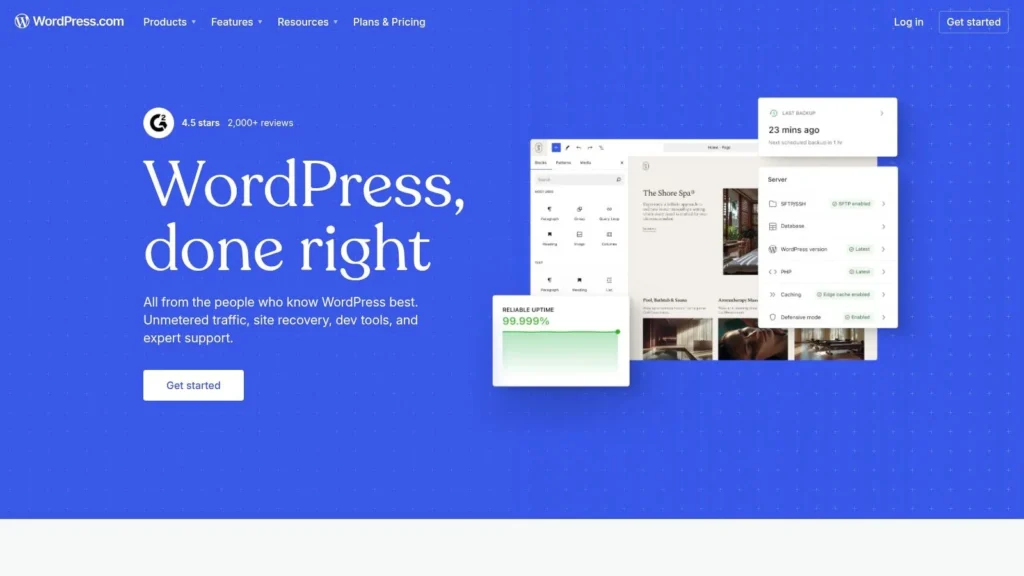
Unlike simpler blogging platforms, WordPress.com is built for extensibility. It grants you access to the classic WordPress editor, with familiar tools like categories, tags, multi-author roles, and a full media library. This foundation is perfect for organizing complex content, whether you’re publishing academic papers, music reviews, or travel diaries.
Key Insight: The main advantage of WordPress.com is its massive ecosystem. With access to thousands of themes and plugins on paid plans, you can add nearly any function you can imagine, from SEO tools and custom contact forms to full-fledged paywalls and subscription management systems.
Features & Functionality
WordPress.com provides a structured yet flexible publishing experience. Key features include:
- Full Publishing Control: Use the powerful block editor to create rich, media-heavy articles. Organize your content with custom categories and tags for easy navigation.
- Plugin and Theme Ecosystem: Paid plans (Creator and above) unlock the ability to install third-party plugins and themes, giving you near-limitless customization options. This is a game-changer for adding advanced features like e-commerce, membership portals, or specialized editorial workflows. Finding the right look is a major part of building a brand, and there are many excellent WordPress themes designed for blogs and journals to get you started.
- Developer-Friendly Tools: Higher-tier plans include advanced tools like SFTP/SSH access and Git integration, allowing developers to implement highly custom workflows.
Pricing and Access
WordPress.com uses a tiered subscription model. A free plan exists with basic features but includes ads and a wordpress.com subdomain. Paid plans remove ads and unlock custom domains, increased storage, and, most importantly, plugin installation capabilities. Be sure to check the current plan details, as feature access has changed over time.
- Pros: Familiar WordPress interface, scales effectively for high-traffic sites, managed security and backups reduce technical burden.
- Cons: Accessing key features like plugins requires a paid subscription; deep customization may require technical expertise or hiring a developer.
Website: https://wordpress.com
2. Ghost (Ghost(Pro))
For independent publishers who want an elegant, all-in-one solution for their online journal, Ghost delivers a refreshingly focused experience. It’s an open-source platform designed specifically for professional publishing, combining a minimalist writing interface with powerful, built-in tools for growing an audience. The hosted version, Ghost(Pro), manages all the technical aspects, making it an excellent choice for creators who want to build a publication with integrated newsletters and paid memberships without needing extra plugins or complex setups.
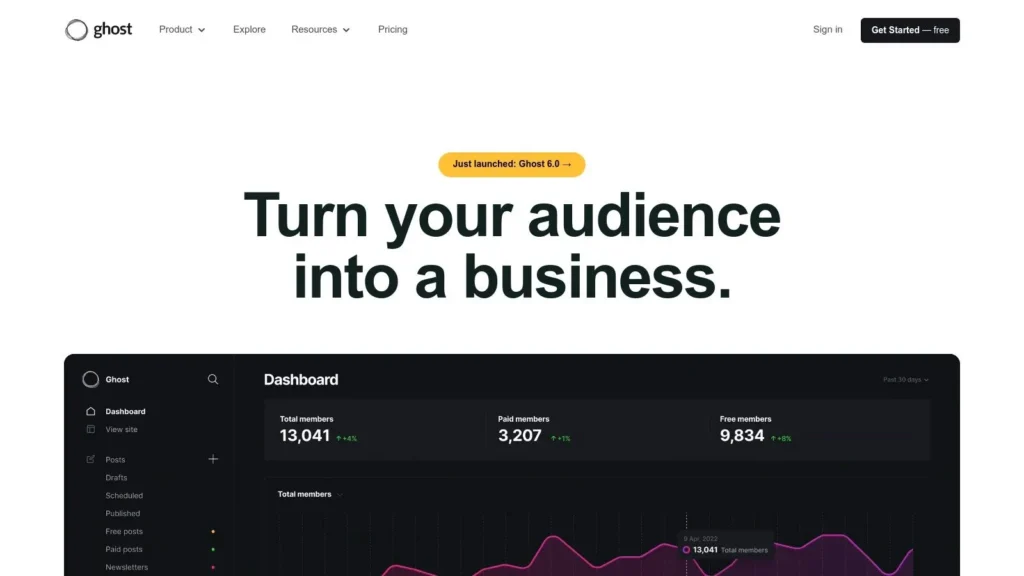
Unlike multi-purpose platforms, Ghost is built around a core philosophy of content and monetization. The fast, distraction-free editor is a joy to use, while foundational features like tags, multi-author support, and scheduling are cleanly implemented. This makes it perfect for journals in niches like technology, travel, or the arts, where a clean reading experience and direct audience connection are paramount.
Key Insight: Ghost’s main advantage is its native integration of content, newsletters, and memberships. You can publish an article, send it as an email newsletter, and offer premium-only access from a single dashboard, with no platform fees on member payments.
Features & Functionality
Ghost provides a tightly integrated toolset for modern digital publishing. Key features include:
- Integrated Publishing Tools: The platform includes a fast, minimalist editor that supports Markdown and rich media. Content organization is handled through tags, authors, and custom post types, which provides a solid structure for any online journal.
- Built-in Email Newsletters: Send unlimited newsletters directly to your audience from the same interface you use to publish articles. Ghost manages deliverability, providing a seamless way to keep your readership engaged without needing a separate email service provider.
- Native Membership and Subscriptions: Offer free and paid subscriptions to your content without installing third-party tools. Ghost connects directly with Stripe, allowing you to manage member tiers and offer exclusive content with zero commissions taken by the platform itself.
- Strong Performance and SEO: Ghost sites are known for their speed. The platform includes excellent default search engine optimization, including structured data, clean URLs, and automatic sitemaps, helping your journal get discovered more easily.
Pricing and Access
Ghost(Pro) operates on a tiered subscription model based on audience size (number of members). Plans start with a core set of features suitable for new publications and scale up to include advanced functionality for larger operations. A 14-day free trial is available to test the platform. The open-source software can also be self-hosted for those with the technical expertise.
- Pros: All-in-one site, newsletter, and membership system; excellent performance and user experience; no platform fees on member revenue.
- Cons: Theme customization often requires familiarity with code (Handlebars.js); some advanced features are limited to higher-priced tiers.
Website: https://ghost.org
3. Medium (Publications)
For writers and publishers who prioritize reach and built-in audience discovery over granular site control, Medium offers an exceptional networked platform. It’s designed to help high-quality content find readers organically, making it one of the best online journal websites for those looking to build a following with minimal technical overhead. By creating a Publication, you can establish a multi-author journal, complete with editors and contributors, all within a clean, reader-focused environment.
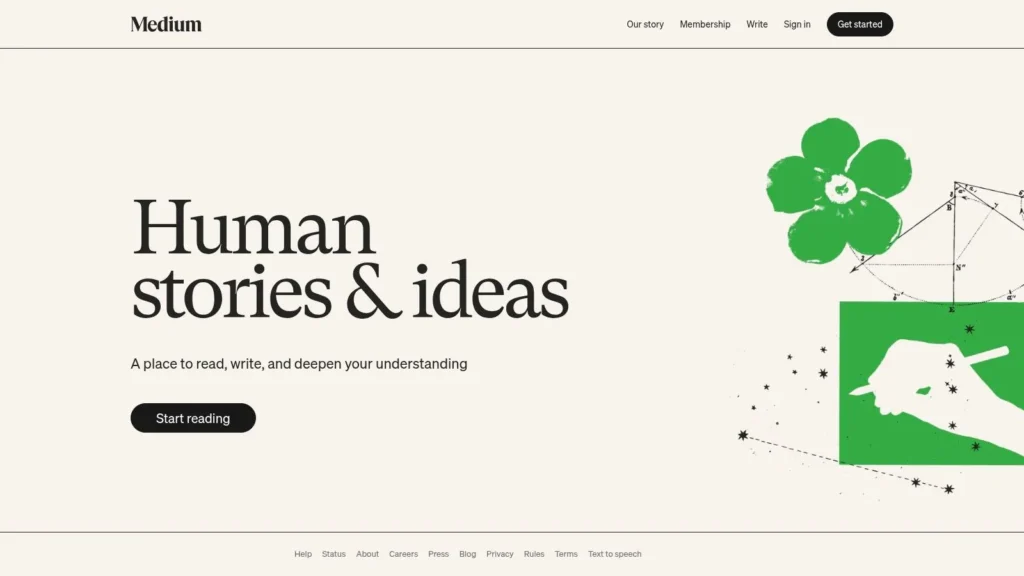
Unlike self-hosted options, Medium handles all the back-end work. You don’t need to worry about servers, security, or updates. Its main draw is the network effect; your articles can be recommended to millions of readers interested in your topics, a distribution channel that is difficult to replicate on a standalone site without significant marketing effort.
Key Insight: Medium’s core advantage is its membership-funded ecosystem. The Medium Partner Program allows eligible writers to earn money based on engagement from paying members, creating a direct financial incentive to produce high-quality, compelling work that resonates with readers.
Features & Functionality
Medium provides a focused set of tools geared toward publishing and community engagement. Key features include:
- Publication Tools: Create a dedicated space for your journal with its own branding, layout, and team of writers. You can invite contributors, manage submissions, and publish under a unified banner.
- Built-in Monetization: The Partner Program offers a clear path to earning revenue. Once you meet eligibility requirements (including having 100 followers and publishing recently), you can place your stories behind the metered paywall and get paid based on member reading time.
- Audience and Analytics: The platform includes native analytics that show views, reads, and follower growth. Understanding these numbers is critical, and there are many guides on how to measure content performance that can help you interpret the data Medium provides.
- Custom Domains: Publications can connect a custom domain, giving your journal a professional web address while still benefiting from Medium’s network and infrastructure.
Pricing and Access
Creating an account and publishing on Medium is free. Joining the Medium Partner Program to earn money has eligibility requirements (100+ followers, age, and country restrictions) but does not cost anything to join. Reading is limited for non-members, who get a few free articles per month before hitting a paywall. A Medium membership unlocks unlimited reading access.
- Pros: Massive built-in audience and distribution network, simple and elegant editor, clear path to monetization without managing payments yourself.
- Cons: Limited design customization and control compared to a self-hosted site, monetization is dependent on Partner Program rules and eligibility.
Website: https://medium.com
4. Substack
For writers who want to build a direct, personal relationship with their readers, Substack provides an elegant solution that merges a newsletter with a blog-style website. It is designed for those who prioritize building a mailing list and community from day one. Instead of focusing on website design, Substack’s strength lies in its simplicity, allowing you to publish your journal entries directly to subscribers’ inboxes and simultaneously archive them on your publication’s site. This email-first approach makes it one of the best online journal websites for establishing a loyal, recurring readership.
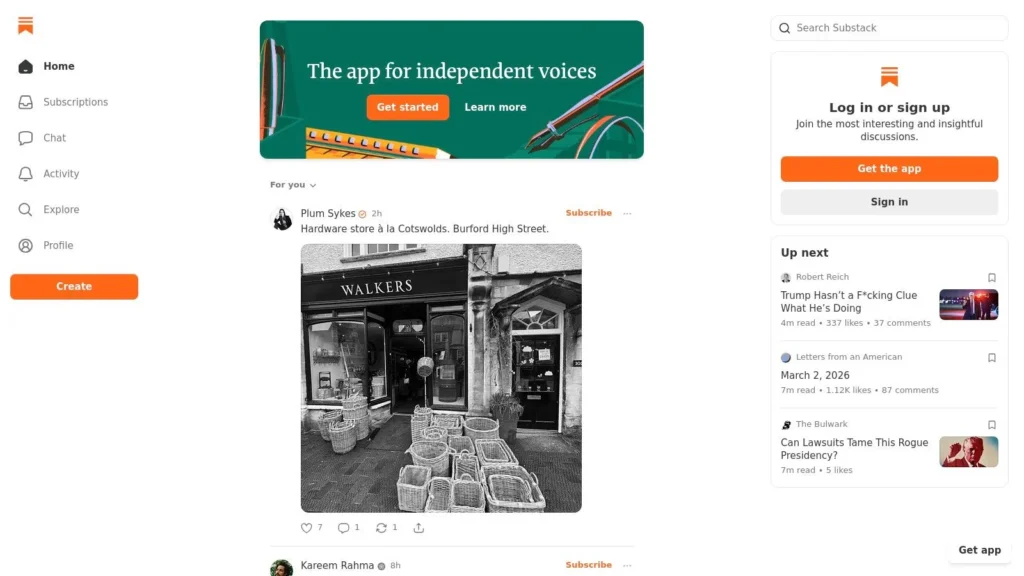
The platform is purpose-built for independent writers, journalists, and subject-matter experts who want a straightforward way to monetize their work without complex technical setups. Its clean editor and integrated payment system remove the friction often associated with creating a paid publication, allowing creators to focus purely on their content. Whether you’re a critic sharing movie reviews or an expert offering business analysis, Substack handles the delivery and billing for you.
Key Insight: Substack’s main advantage is its integrated ecosystem that treats your email list as the core asset. You own your mailing list and can export it at any time, which gives you long-term security and control over your audience relationship, a critical factor for independent publishers.
Features & Functionality
Substack’s feature set is intentionally focused on the writer-reader connection. Key features include:
- Integrated Newsletter and Website: Every post is automatically sent as an email and published on your website. This dual-delivery method ensures you reach your audience wherever they are.
- Built-in Monetization: You can enable paid subscriptions with a few clicks. The platform integrates with Stripe to handle all billing, allowing you to create subscriber-only content and build a recurring revenue stream directly from your most dedicated readers.
- Community and Multimedia Tools: Substack includes features like comments, discussion threads, and integrated podcast hosting. This allows you to foster a community around your journal and expand beyond written content to audio, all within the same platform.
Pricing and Access
Publishing on Substack is free, and there are no limits on the number of posts or subscribers you can have. The platform only makes money when you do. If you enable paid subscriptions, Substack takes a 10% cut of your revenue, and Stripe’s payment processing fees (typically 2.9% + $0.30 per transaction) are also applied. This model makes it a very low-risk option for starting a publication.
- Pros: Extremely easy to set up and start publishing; direct path to monetization with no upfront costs; you own your content and subscriber list.
- Cons: Limited design and layout customization compared to a full CMS; platform fees on paid plans can be significant for high-earning publications.
Website: https://substack.com
5. Squarespace
For creators who prioritize polished design and ease of use, Squarespace offers a superb all-in-one solution for building a visually impressive online journal. Its platform is celebrated for its award-winning templates, which allow publishers to launch a professional-looking site with minimal technical effort. This makes it an ideal choice for online magazines, portfolios, or personal journals where aesthetic quality and brand presentation are just as important as the written content itself.
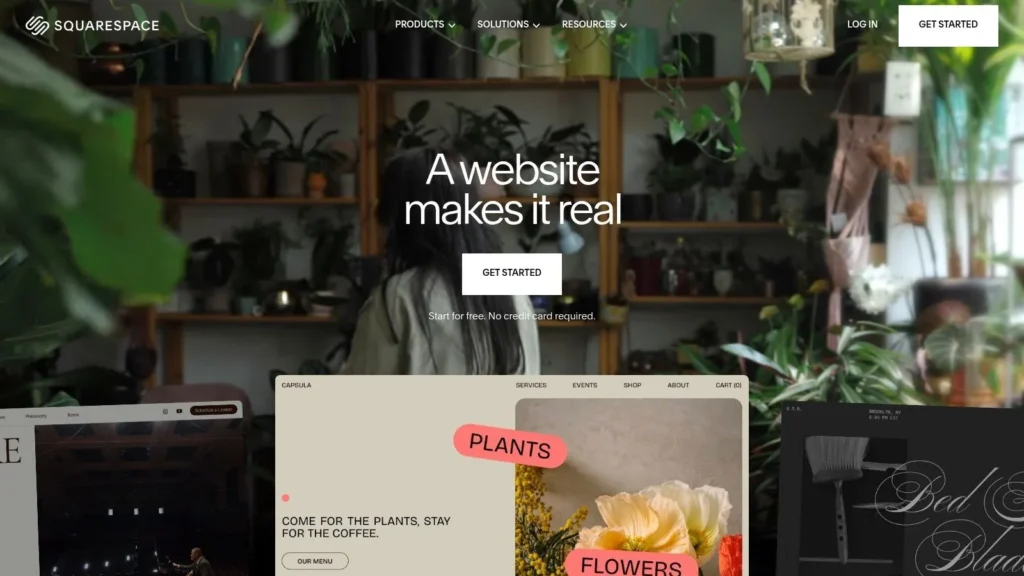
Unlike platforms that require piecing together different services, Squarespace integrates everything you need into one package. It handles hosting, security, and updates automatically, so you can focus entirely on creating and curating your content. Its drag-and-drop editor, Fluid Engine, provides a high degree of control over layout without needing to write a single line of code, making it one of the best online journal websites for design-focused publishers.
Key Insight: Squarespace’s core strength is its unified ecosystem. Everything from SEO tools and analytics to e-commerce and member areas is built directly into the platform, ensuring a seamless and consistent user experience without the headache of managing third-party plugins.
Features & Functionality
Squarespace provides a robust set of tools designed for modern digital publishing. Key features include:
- Integrated Blogging Tools: The platform includes comprehensive blogging features, allowing you to schedule posts, organize content with categories and tags, enable comments, and assign multiple authors. These features provide a solid foundation for anyone serious about how to start a blog and build an audience.
- Built-in Monetization: Higher-tier plans unlock powerful tools to generate revenue. You can sell digital or physical products, offer paid subscriptions with “Member Areas” for exclusive content, and collect donations, all through native integrations.
- Design and Analytics: All templates are fully responsive and look great on any device. The platform also includes built-in analytics to track traffic, popular content, and audience demographics, helping you understand your readership and refine your content strategy.
Pricing and Access
Squarespace operates on a subscription-only model and does not offer a permanent free plan, though a 14-day free trial is available to test the platform. Its tiered plans offer progressively more features. The basic “Personal” plan is sufficient for a standard journal, but business-focused publications will need a “Business” plan or higher to access e-commerce, premium integrations, and advanced analytics.
- Pros: Award-winning templates provide a professional look out of the box; the all-in-one system is easy to manage and secure; built-in tools for marketing and monetization.
- Cons: Less extensible than open-source platforms like WordPress; no free plan available, only a trial; moving a site away from Squarespace can be difficult.
Website: https://www.squarespace.com
6. Wix
For creators and small teams who value speed, simplicity, and integrated marketing tools, Wix offers an exceptionally accessible path to building an online journal. It stands out with a user-friendly drag-and-drop editor that removes technical barriers, allowing you to design a visually appealing website and launch it quickly. This makes it one of the best online journal websites for those who need to manage content, design, and promotion all from one central dashboard without writing a single line of code.
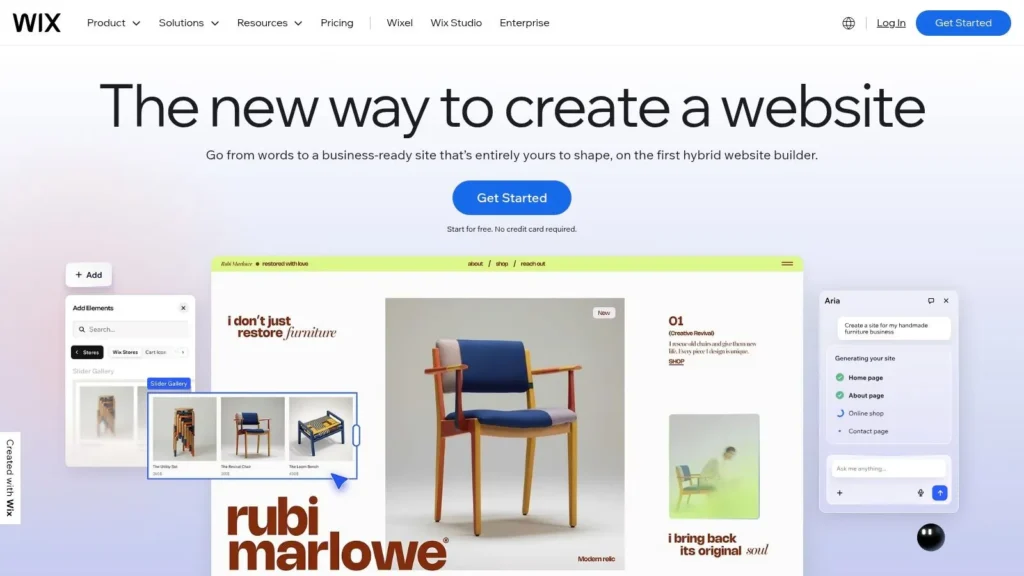
The core of its publishing capability lies in the Wix Blog app, a dedicated module that you can add to any site. This provides all the essential features for running a journal, including post scheduling, categories for organization, and author profiles. The platform is particularly well-suited for journals focused on lifestyle, arts, travel, or a personal brand, where strong visual presentation is just as important as the written content.
Key Insight: Wix’s main strength is its all-in-one ecosystem. The platform’s evolving AI tools are a significant asset for lean teams, offering assistance in drafting SEO-optimized blog posts, generating titles, and even creating email marketing campaigns to promote new articles.
Features & Functionality
Wix provides a cohesive set of tools designed to get a publication online and growing. Key features include:
- Integrated Blog Management: The Wix Blog app includes categories, tags, post scheduling, and support for multiple authors. It also supports comments and even offers multilingual capabilities, making your journal accessible to a global audience.
- AI Content Tools: Wix incorporates AI to help you overcome writer’s block and streamline marketing. You can use its AI Text Creator to generate entire blog post drafts, create compelling headlines, and write promotional emails, saving valuable time.
- Wix App Market: Extend your journal’s functionality by adding apps for features like paid memberships, forums, event calendars, or advanced analytics. This allows you to build a community and monetize your content directly.
- Built-in Marketing Suite: The platform comes with integrated SEO controls, email marketing tools, and social media post creation, letting you manage your journal’s growth from a single location.
Pricing and Access
Wix operates on a freemium model. The free plan lets you build and publish a site but comes with Wix branding and a non-custom domain (e.g., username.wixsite.com/sitename). To connect a custom domain, remove ads, and access more advanced features like e-commerce, you must upgrade to one of its premium plans. These plans are tiered based on storage, bandwidth, and included business features.
- Pros: Extremely intuitive and fast to launch; helpful AI tools for content and marketing; broad set of integrated features eliminates the need for many third-party services.
- Cons: Migrating a site away from Wix to another platform can be difficult; the cost can increase as you add more premium apps from the App Market.
Website: https://www.wix.com
7. Webflow (with CMS)
For designers and creative teams who demand pixel-perfect control over their publication’s appearance, Webflow presents a powerful visual-first approach to building an online journal. It combines a professional-grade website designer with a robust Content Management System (CMS), allowing for the creation of completely custom, design-driven journals without writing code from scratch. This makes it an ideal platform for visually-rich publications like art magazines, travel diaries, or brand journals where a unique aesthetic is paramount.
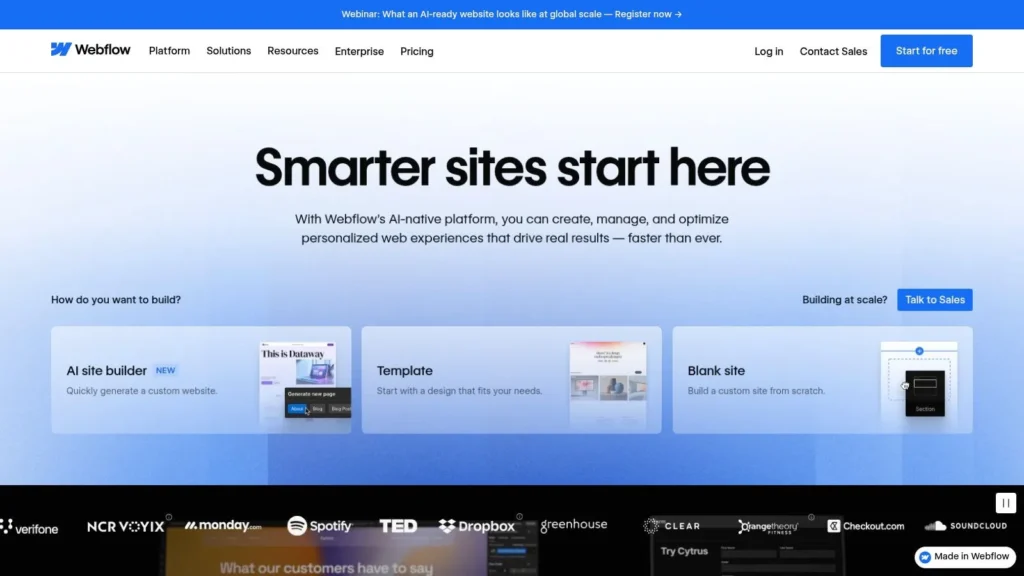
Unlike template-based builders, Webflow gives you a blank canvas and tools that output clean, production-ready HTML and CSS as you design. Its CMS allows you to create structured “Collections” for different content types, such as articles, author bios, categories, or reviews. Editors and writers can then manage content through a simple, separate interface, leaving the core design untouched.
Key Insight: Webflow’s main advantage is its ability to separate design from content. A designer can build a completely custom layout, then hand off a simple editor to the content team. This workflow prevents writers from accidentally breaking the site’s design and is a hallmark of professional publishing operations.
Features & Functionality
Webflow is built for granular control and structured content, making it one of the best online journal websites for bespoke projects. Key features include:
- Visual Web Designer: Build any layout you can imagine with a drag-and-drop interface that gives you full control over styling, interactions, and responsiveness without touching a line of code.
- Integrated CMS: Create custom content structures (Collections) with specific fields for your journal’s needs. Features include scheduled publishing, RSS feeds, and a built-in search function.
- Collaboration and Staging: Workspaces allow multiple team members to collaborate on a project. Every site includes built-in backups and a staging environment to test changes before pushing them live.
- Custom Code and APIs: For advanced needs, you can embed custom HTML, CSS, and JavaScript. The API also allows Webflow to be used as a headless CMS, feeding content to other applications.
Pricing and Access
Webflow offers a free plan to build and learn the platform, but a paid Site Plan is required to connect a custom domain and launch a live site with CMS functionality. The CMS plan tier is necessary for any online journal, with pricing based on the number of CMS items (e.g., articles) you need. Higher-traffic sites may also require higher-tier plans or bandwidth add-ons, so costs can grow with your publication.
- Pros: Total visual control over design, excellent CMS for structured content, and high-performance hosting without server management.
- Cons: Has a significant learning curve for those unfamiliar with web design principles; editorial workflows are less advanced than some plugin-heavy platforms; costs can increase with high content volume.
Website: https://webflow.com
Top 7 Online Journal Platforms Comparison
| Platform | Implementation complexity | Resource requirements | Expected outcomes | Ideal use cases | Key advantages |
|---|---|---|---|---|---|
| WordPress.com | Medium — managed but more complex for deep customizations | Paid plans (plugins on paid tiers), occasional developer time for advanced work | Scalable, extensible content site with broad plugin ecosystem | Content-heavy journals, multi-author publications, publishers needing plugins | Familiar WP editor, wide plugin/theme ecosystem, managed security/backups |
| Ghost (Ghost(Pro)) | Low–Medium — simple editor; themes/custom code require dev skills | Managed Ghost(Pro) or self-hosting; built‑in membership tooling reduces ops | Fast, performant site with integrated newsletters and subscriptions | Membership-first magazines, newsletters, independent publishers | Built‑in email newsletters, native member management, no platform fees on member payments |
| Medium (Publications) | Very low — minimal setup and maintenance | Minimal; platform-hosted with built‑in discovery and apps | Broad reach and discovery but limited site control | Reach-focused writers, low-overhead multi-author publications | Built‑in distribution/audience, easy publishing, Partner Program monetization |
| Substack | Very low — newsletter-first publishing with simple UI | Minimal; Stripe payments, built‑in email delivery, list ownership (platform dependent) | Mailing-list-centric audience growth and subscription revenue | Newsletter creators, solo writers seeking recurring revenue | Fast path to subscriptions, integrated email + web archive, community features |
| Squarespace | Low — drag-and-drop, template-driven | Subscription plans; minimal technical maintenance | Visually polished, quick-to-launch sites with built-in analytics | Visually oriented magazines and small teams wanting low maintenance | Beautiful templates, all-in-one stack, integrated SEO/analytics |
| Wix | Low — easy editor with AI tools | Subscription; app market/add-ons may increase cost over time | Rapid launch with integrated marketing and AI-assisted content | Small teams needing speed, marketing tools, and non-technical editors | Very quick setup, AI drafting/marketing features, broad add-on marketplace |
| Webflow (with CMS) | High — visual designer requires learning curve | Designer/developer time; paid CMS plans scale with item counts | Highly custom, pixel‑perfect sites with structured CMS and clean output | Design-driven online journals needing granular layout control | Pixel-precise control, CMS collections, clean HTML/CSS and APIs |
Final Thoughts
The journey to finding the perfect home for your online journal ends here, but your own publishing adventure is just beginning. We’ve explored a diverse set of platforms, each offering a distinct path to creating, sharing, and growing a digital publication. The key takeaway is that the single “best” online journal website doesn’t exist; instead, the ideal platform is the one that aligns with your specific goals, technical comfort, and long-term vision.
Your decision-making process should be a reflection of your primary objective. Are you a writer focused purely on the craft, eager to connect with an established reader base? Platforms like Medium and Substack remove technical barriers, letting you publish in minutes and tap into a built-in network. If your goal is to build a brand, a community, or a business, then a more customizable solution is in order.
Matching the Tool to Your Ambition
Let’s distill our findings into a practical decision-making framework. Your choice will likely pivot on the balance between ease of use and creative control.
- For the Pure Writer (Maximum Simplicity): If your main concern is writing and building a direct-to-reader connection with minimal fuss, Substack is an excellent choice. Its newsletter-first model is powerful for audience building. Medium is a strong alternative if discoverability within a large, active community is your top priority, though you sacrifice some control.
- For the Aspiring Brand Builder (Balanced Control): If you want a professional-looking site without touching code, WordPress.com, Squarespace, and Wix are your go-to options. Squarespace excels in design elegance, Wix offers intuitive drag-and-drop flexibility, and WordPress.com provides a scalable path from a simple blog to a full-featured site.
- For the Tech-Savvy Creator (Maximum Customization): For those who want total command over their journal’s design, functionality, and performance, Ghost (Pro) and Webflow are the clear winners. Ghost offers a modern, clean, and fast publishing experience with fantastic membership and newsletter features. Webflow grants unparalleled visual design freedom, allowing you to build a truly bespoke online journal without writing code, but it has the steepest learning curve.
Key Insight: Don’t just choose a platform for what your journal is today. Choose it for what you want your journal to become in two to three years. Migrating an established publication can be a significant undertaking, so foresight is your most valuable asset.
Final Considerations Before You Commit
Before you make your final selection from the list of best online journal websites, take a moment to perform a personal audit. Ask yourself these critical questions:
- What is my budget? Be realistic. A free plan on Medium is different from a monthly subscription for Ghost (Pro) or the potential developer costs associated with a complex Webflow site.
- How much time can I dedicate to setup and maintenance? A Wix site can be up in an afternoon. Mastering Webflow could take weeks. Be honest about your available time.
- What is my primary monetization strategy? If it’s paid subscriptions, Substack and Ghost are built for it. If it’s ad revenue or selling digital products, a self-hosted solution like WordPress or a versatile platform like Squarespace might be better.
- Who is my audience? Are they readers who already congregate on a platform like Medium, or are you building a niche community from scratch that would benefit from a dedicated brand home?
Ultimately, the act of choosing a platform is the first step in treating your online journal as a serious project. Each tool we’ve discussed is more than capable of supporting a successful publication. Your role is to supply the vision, the consistency, and the compelling content that will make readers want to return again and again. The technology is simply the vessel; you are the captain.
Ready to skip the setup and dive straight into reading and discovering great content? maxijournal.com offers a curated experience, bringing together fascinating articles and fresh perspectives from across the web. Explore our collection of journals and find your next favorite read at maxijournal.com today.
Discover more from Maxi Journal
Subscribe to get the latest posts sent to your email.